Introduction
The Editor framework is LDLib2's foundation for building in-game editing software.
It is not a single editor. It is a set of reusable systems for building editors: split panels, dockable views, project files, resource browsers, inspectors, undo history, settings, and specialized widgets such as scene or graph editors.
The built-in UI Editor is built with this framework. It uses the same project system, resource panel, inspector, history view, and split workspace that you can use in your own editor.
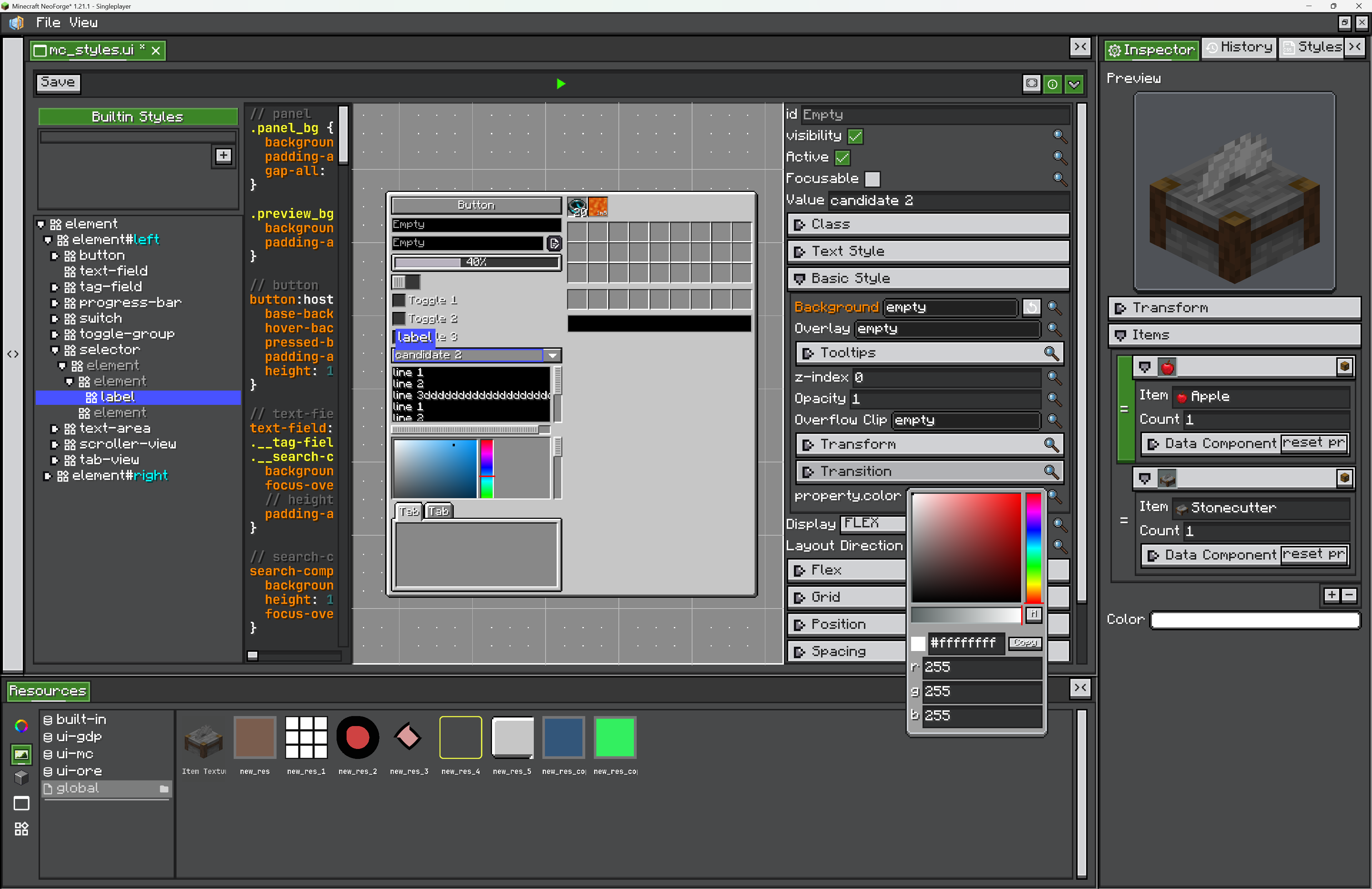
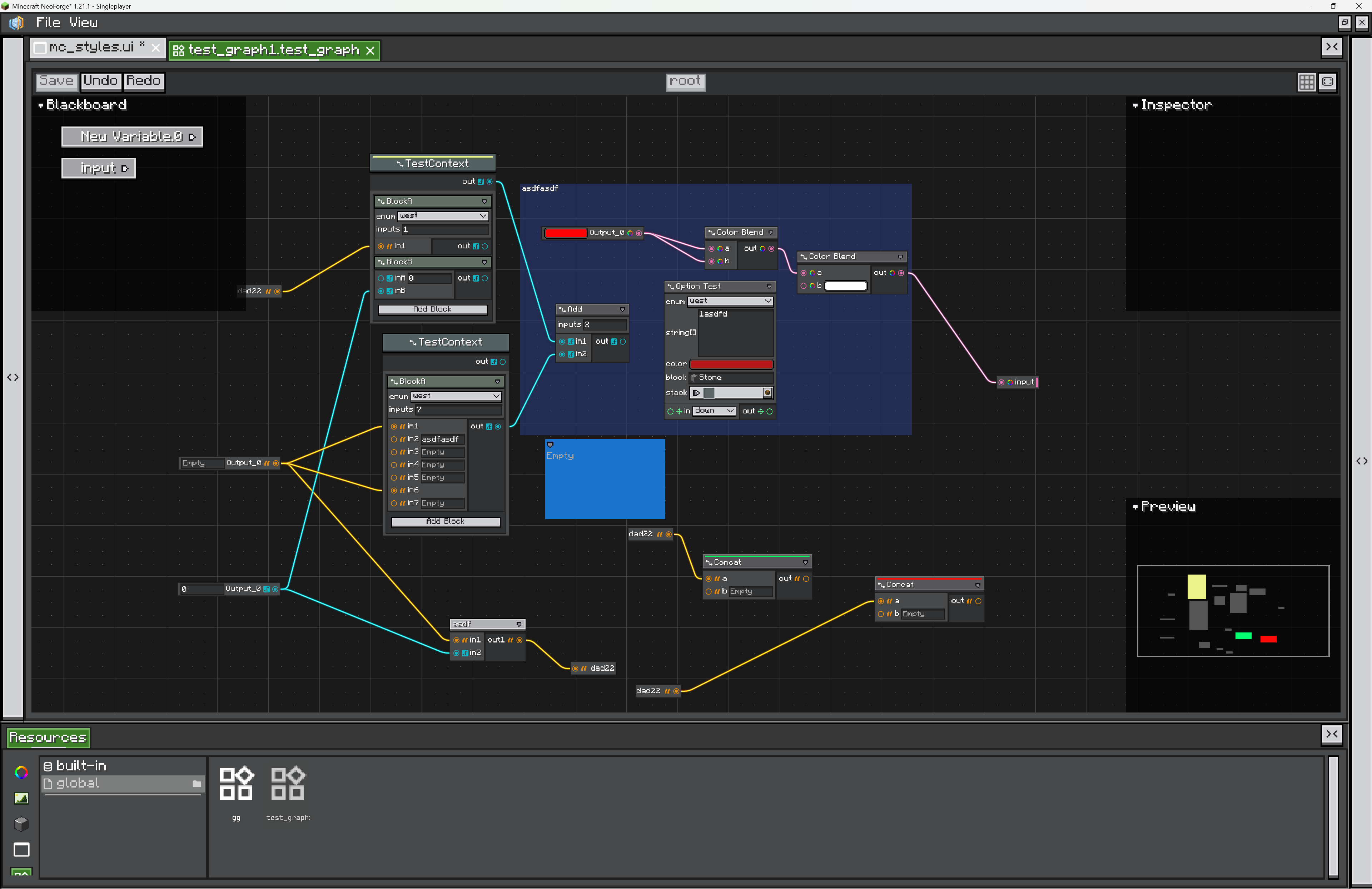
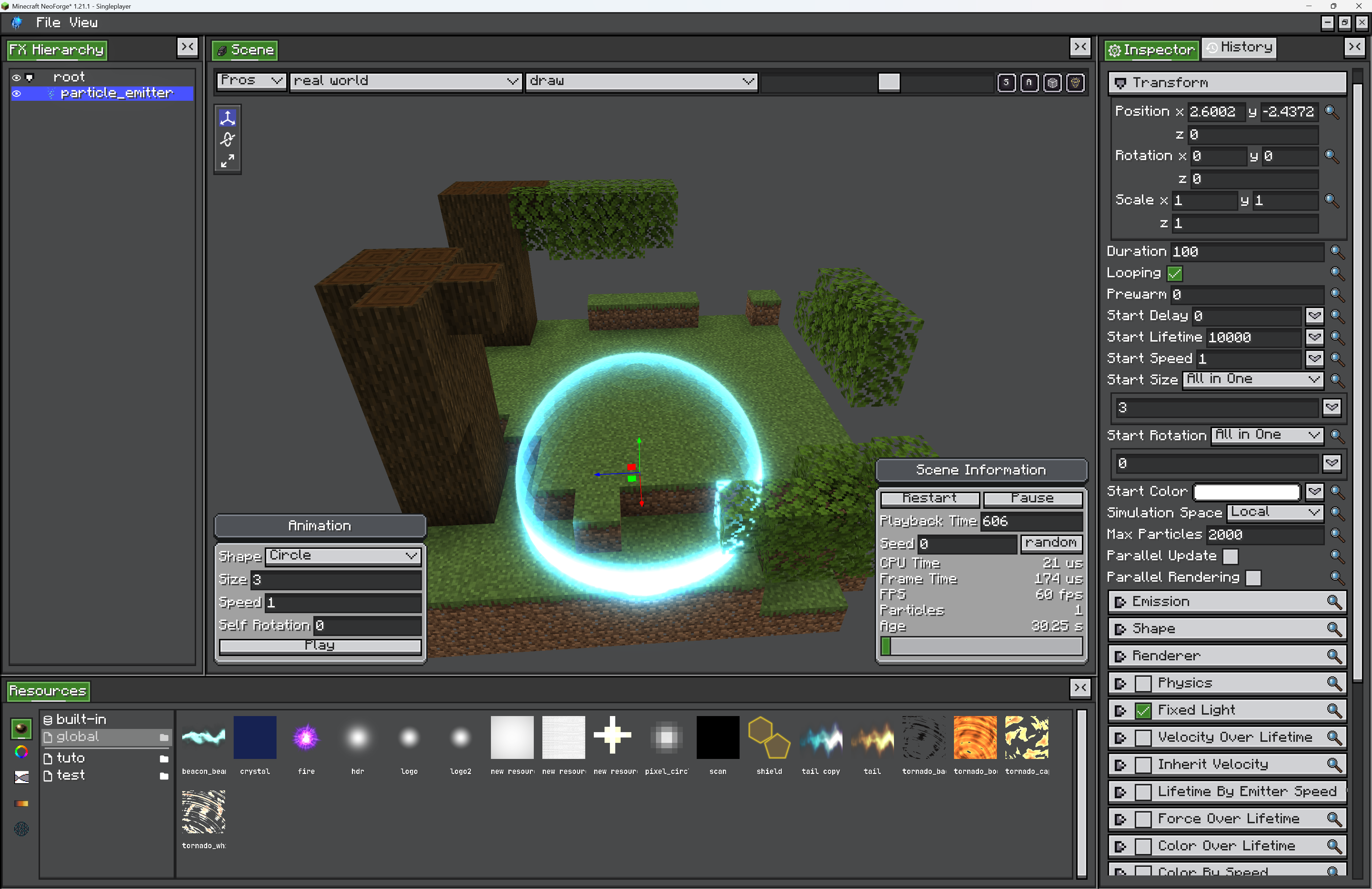
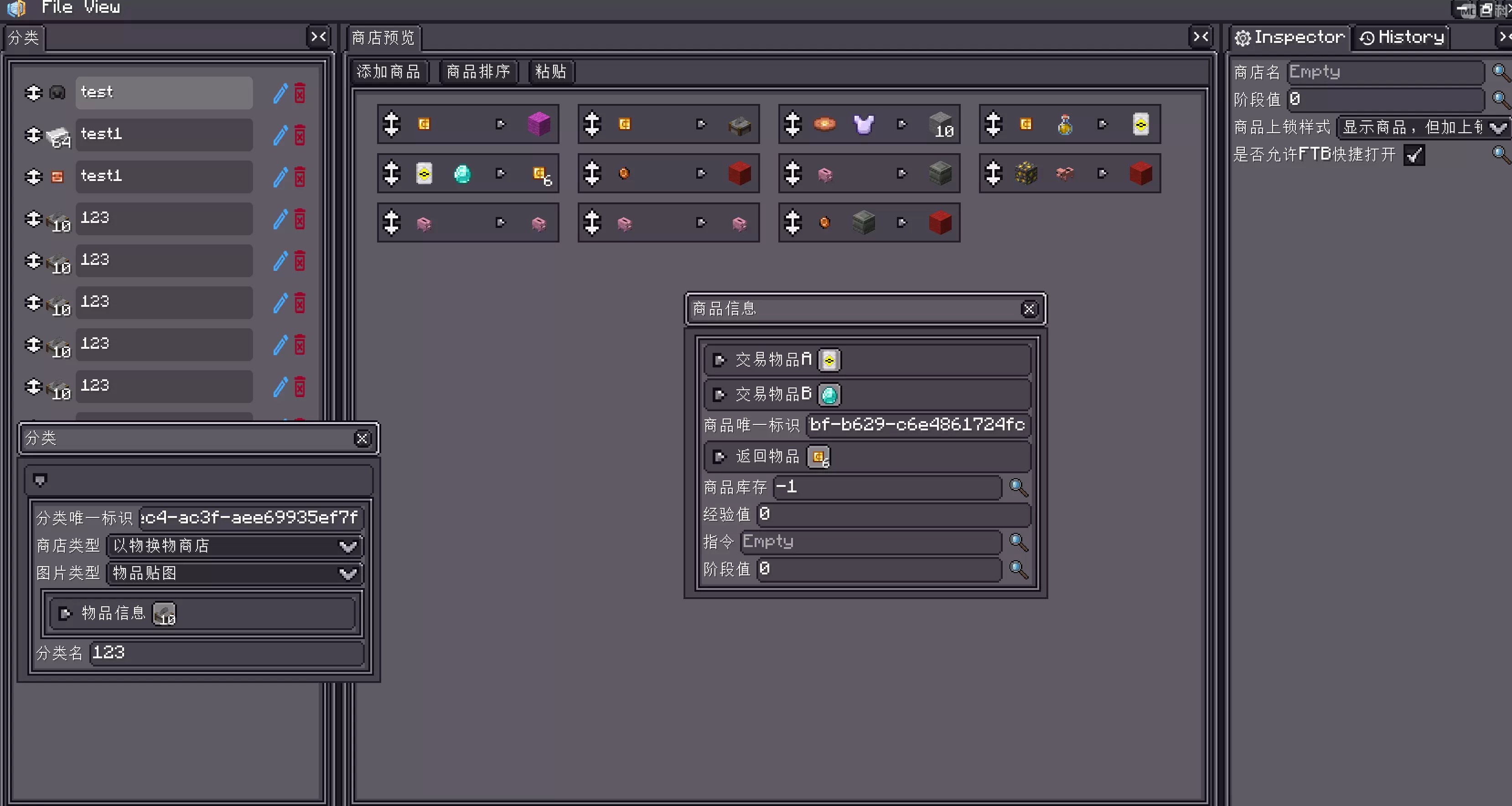
You can use it for tools such as shop editors, visual scripting editors, UI builders, node graph editors, scene/object editors, resource managers, or any in-game tool that feels closer to Unity, Blender, Blockbench, or Adobe-style software than to a normal Minecraft screen.
Modules
flowchart TD
    A[Editor Framework] --> B[Getting Start]
    A --> D[Project System]
    A --> E[Views]
    A --> F[Resources]
    A --> G[Menus]
    A --> H[Settings]
    A --> I[Misc]

    E --> E1[Built-in Views]
    F --> F1[Providers and Paths]
    F --> F2[Resource UI]
    I --> I1[SceneEditor]
    I --> I2[Source Examples]
Getting Start creates a small editor project, explains the default view areas, and shows how to open it.
Project System explains project types, project lifecycle, and file persistence.
Views explains the view system. Built-in Views covers Inspector and History.
Resources explains resource definitions. Providers and Paths covers resource sources and typed paths. Resource UI covers the built-in resource browser.
Menus covers File/View menu extension.
Settings covers persistent editor settings.
Misc currently covers SceneEditor and Source Examples.
Learning References
The best way to learn the framework is to read real editors and compare their structure.
UIEditor: a complete editor with project registration and default resources.UIXmlProject/UIXmlProjectType: a project that saves plain XML instead of default NBT.GraphEditorView: a complex view with dirty state, commands, save button, and navigation.ResourceProviderContainer: the main reference for resource panel interactions.
See Source Examples for more details.