Built-in Views
Editor ships with common views that most editor tools reuse.
InspectorView
InspectorView wraps LDLib2's Inspector component and is placed in the right-side panel by default.
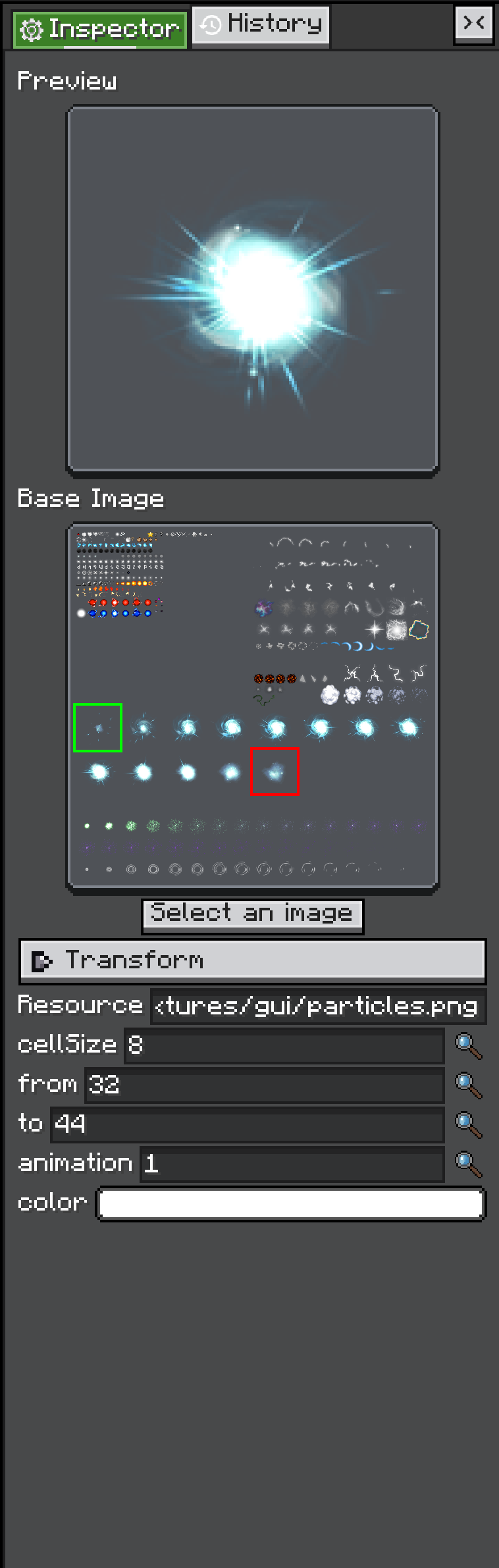
AnimationTexture.
Use it when the current selection should expose editable properties:
The inspected object can be any IConfigurable object. The inspector asks that object to build its configurators, then displays those configurators as editable UI.
The full overload lets you listen to created configurators, run cleanup on close, and provide a history action:
editor.inspectorView.inspect(
        selectedObject,
        configurator -> {},
        () -> clearSelection(),
        () -> editor.historyView.pushHistory(name, action)
);
The inspector already shares the editor's HistoryView, so property changes can participate in undo and redo.
This page only covers how to use the inspector inside an editor. The Configurable / Configurator system is covered separately in Configurable.
HistoryView
HistoryView is the default undo/redo stack for an editor. It is also a visible view, so users can jump to previous history points.
Push a change with pushHistory:
editor.historyView.pushHistory(
        Component.translatable("shop.rename_entry"),
        EditAction.of(
                () -> entry.setName(newName),
                () -> entry.setName(oldName)
        )
);
If execute is true, the action runs immediately. If it is false, the action is only recorded.
History items can merge when they share the same source and name. This is useful for repeated edits from one configurator or text input.
HistoryView listens for:
CommandEvents.UNDOCommandEvents.REDO
Editor handles CommandEvents.SAVE for the current project. GraphEditorView is a useful reference for a custom view that handles undo and redo with its own internal history stack.