Settings
Editor settings are persistent preferences for the editor UI and behavior.
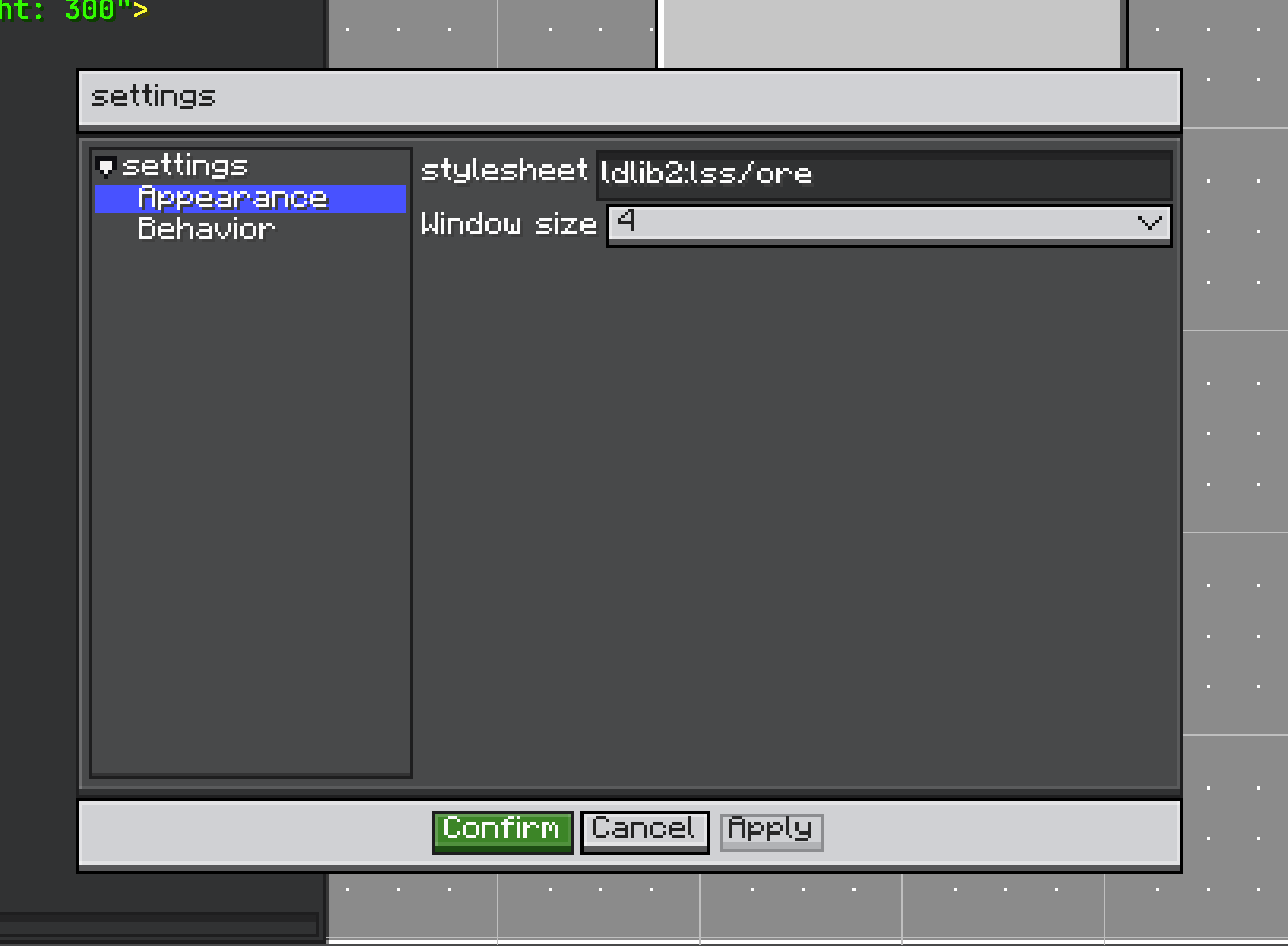
Settings is the unit of configuration:
public interface Settings extends IConfigurable {
    ResourceLocation getId();
    String getPath();
    void onApply(Editor editor);
}
EditorSettings owns registered settings and codecs. It can:
- register and unregister settings,
- build the settings panel,
- load JSON from
config/ldlib2/editor.json, - save JSON,
- detect dirty state,
- apply changed settings,
- restore the last applied state.
Register defaults by overriding initEditorSettings():
@Override
protected void initEditorSettings() {
    super.initEditorSettings();
    editorSettings.registerSettings(new ShopSettings(), ShopSettings.CODEC);
}
Built-in Settings
AppearanceSettings controls the editor stylesheet and GUI scale. ViewMenu uses it for window size options.
BehaviorSettings installs editor key handling:
- optional Esc close,
- Alt + S settings panel,
- Ctrl + Shift + S save as,
- Ctrl + S save.
Custom Settings
public class ShopSettings implements Settings {
    public static final ResourceLocation ID = LDLib2.id("shop");
    public static final Codec<ShopSettings> CODEC =
            PersistedParser.createCodec(ShopSettings::new);

    @Configurable
    private boolean previewItems = true;

    @Override
    public ResourceLocation getId() {
        return ID;
    }

    @Override
    public String getPath() {
        return "Shop";
    }

    @Override
    public void onApply(Editor editor) {
        // Read settings and update editor behavior.
    }
}
This page only shows the editor-side settings flow. Configurator details are covered separately.