
Lifetime 与 Speed 模块
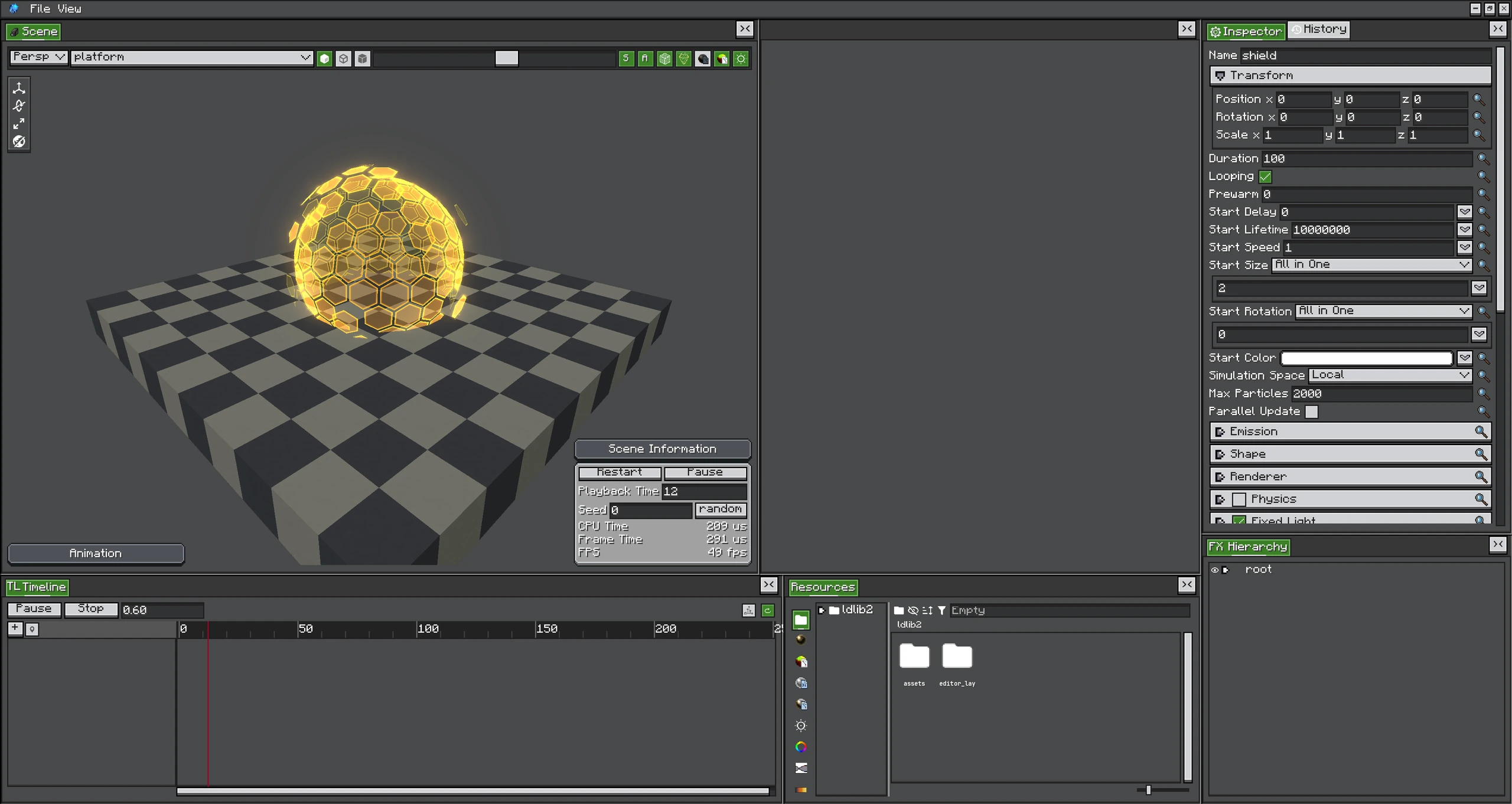
Lifetime 与 Speed 模块通常组合使用;shield 由多层 Emitter 构成,尺寸、颜色与运动会一起变化。
Lifetime 模块使用归一化粒子 age 采样。Speed 模块先通过配置范围重映射当前速度。它们会与 Start Value 相乘或相加,而不是直接替换完整粒子状态。
模块参考
| 模块 | 输入 | 影响 |
|---|---|---|
| Color over Lifetime | 归一化 age | 使用 Gradient 或 Color Function 乘到粒子颜色/alpha。 |
| Size over Lifetime | 归一化 age | 缩放 X/Y/Z Size。 |
| Rotation over Lifetime | 归一化 age | 添加 roll、pitch、yaw。 |
| Velocity over Lifetime | 归一化 age | 添加 linear/orbital/radial velocity 和 speed modification。 |
| Force over Lifetime | 归一化 age | 把 acceleration 积分到 velocity。 |
| Color by Speed | 重映射速度 | 根据移动速度乘到颜色。 |
| Size by Speed | 重映射速度 | 根据速度缩放 Size。 |
| Rotation by Speed | 重映射速度 | 根据速度添加 Rotation。 |
| Lifetime by Emitter Speed | Emitter speed | 调整生成时分配的 Lifetime。 |
Enable 也是 Runtime Value
可动画模块 Enable 自 2.2.0Toggle Module 的 enable 状态会暴露到 Emitter Runtime。因此 Timeline 可以开关模块,而不重写编辑器 Config。
Speed Range
By Speed 模块把配置的最小和最大速度映射到 0..1 后再采样 Function。范围应当接近真实 Particle Velocity;如果范围远高于实际速度,Function 会一直停留在第一段。
Value Space
产生向量的模块可能提供 ValueSpace,决定各轴按 Local、World 或其他支持的 basis 解释。它不会改变 Emitter 的 Particle Simulation Space。
模块组合
Start Color × Color over Lifetime × Color by Speed 得到进入 Material 逻辑前的有效粒子颜色。Size 使用类似方式;Rotation 和 Motion 模块累加各自贡献。
调试时:
- 把 Start Value 设为简单常量。
- 只开启一个模块。
- 使用从零到一的清晰 Linear Curve。
- 确认第一个模块输入范围后,再加入第二个模块。