
Lifetime and Speed Modules
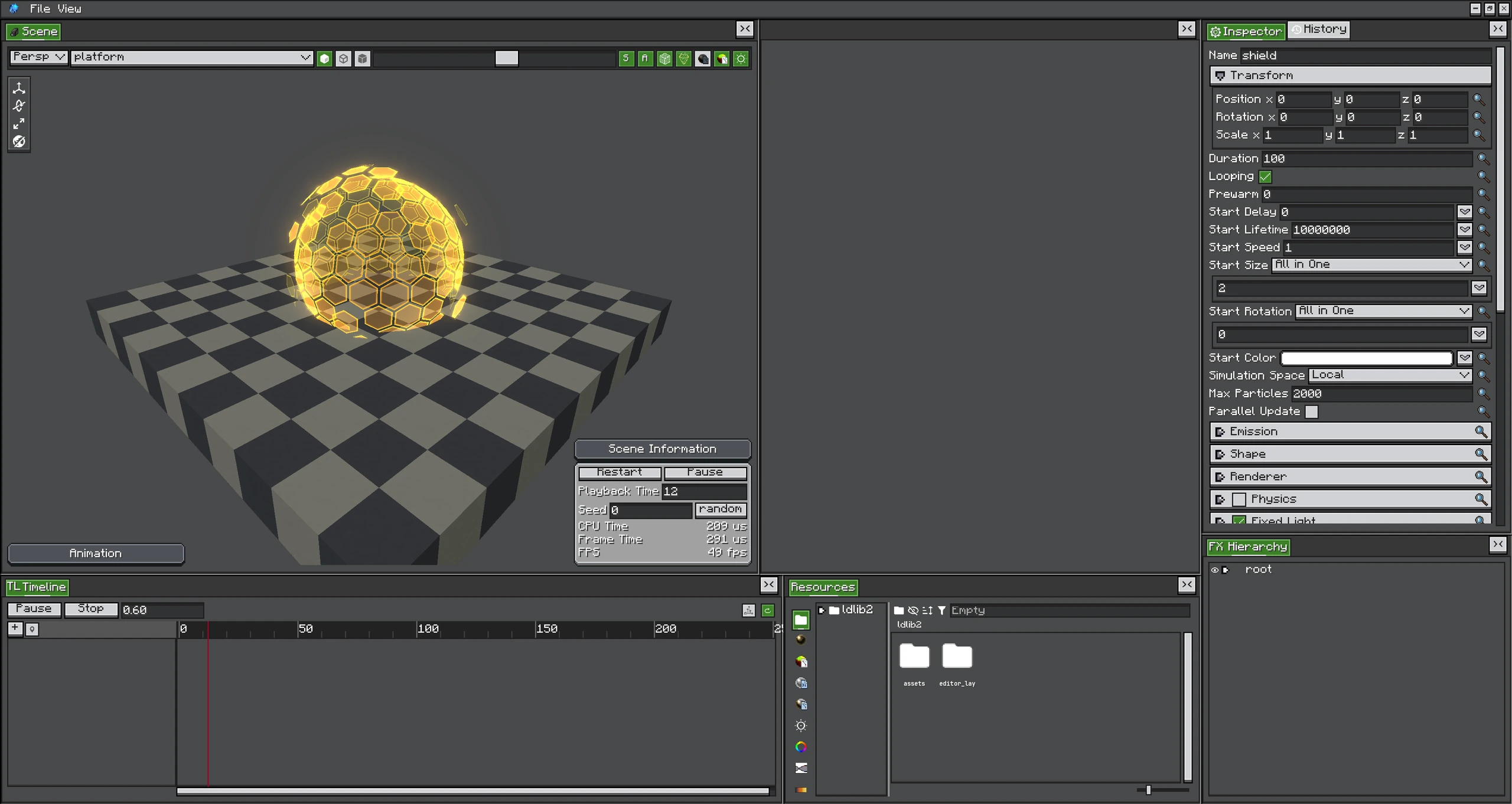
Lifetime and speed modules are most useful in combination: the shield layers several emitters whose size, color, and motion evolve together.
Lifetime modules sample with normalized particle age. Speed modules first map current speed through a configured range. They multiply or add to the start values instead of replacing the whole particle state blindly.
Module Reference
| Module | Input | Effect |
|---|---|---|
| Color over Lifetime | normalized age | Multiply particle color/alpha by a gradient or color function. |
| Size over Lifetime | normalized age | Scale X/Y/Z size. |
| Rotation over Lifetime | normalized age | Add roll, pitch, and yaw. |
| Velocity over Lifetime | normalized age | Add linear/orbital/radial velocity and speed modification. |
| Force over Lifetime | normalized age | Integrate acceleration into velocity. |
| Color by Speed | remapped speed | Multiply color according to movement speed. |
| Size by Speed | remapped speed | Scale size according to speed. |
| Rotation by Speed | remapped speed | Add rotation according to speed. |
| Lifetime by Emitter Speed | emitter speed | Adjust lifetime assigned at spawn. |
Enable Is a Runtime Value
Animatable module enables since 2.2.0Toggle modules expose their enable state through the emitter runtime. Timeline animation can therefore turn a module on and off without rewriting authored config.
Speed Range
By Speed modules remap the configured minimum and maximum to 0..1 before sampling their function. Keep the range representative of real particle velocity; a range far above actual speed makes the function remain near its first key.
Value Space
Vector-producing modules may expose ValueSpace. This controls whether axes are interpreted in local, world, or another supported basis. It does not change the emitter's Particle Simulation Space.
Combining Modules
Start Color × Color over Lifetime × Color by Speed produces the effective particle color before material logic. Size follows an equivalent pattern. Rotation and motion modules accumulate contributions.
When debugging:
- Set the start value to a simple constant.
- Enable one module.
- Use a visible linear curve from zero to one.
- Add the second module only after confirming the first input range.