
Configuring Recipe Logic
MBD2 21.1.1Recipe logic connects one machine definition to one MBDRecipeType and runs one recipe of it at a time. It searches only when the machine has compatible handler proxies for recipe content. A machine can also run several recipe logics side by side.
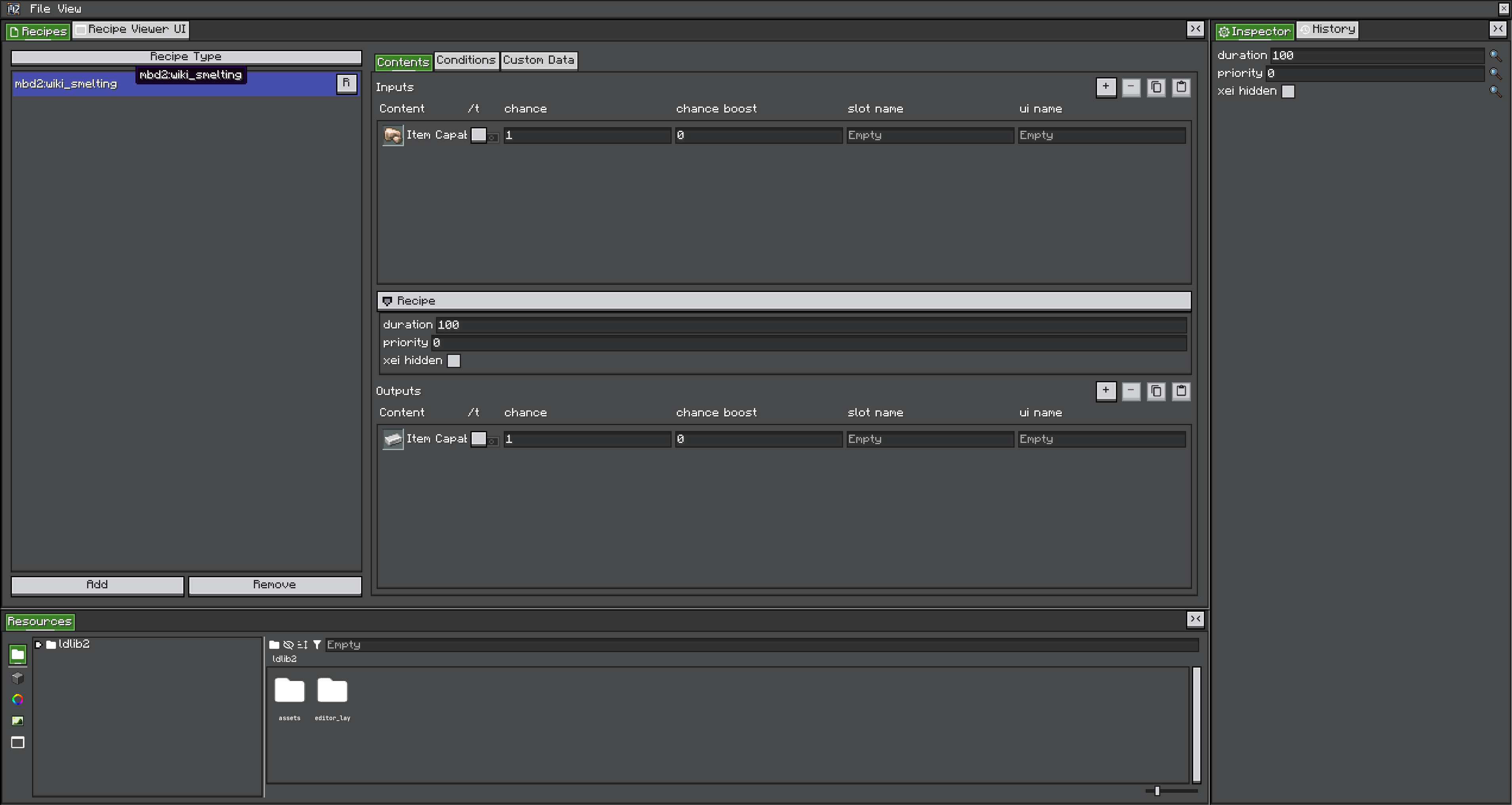
Settings
| Setting | Runtime value key | Effect |
|---|---|---|
| Enable | recipe_logic.enable | Whether recipe logic runs at all |
| Name | — | What traits, pattern predicates and blueprints call this logic. main unless renamed |
| Threads | — | How many copies of this logic run side by side, each with a recipe of its own. 1 to 64 |
| Recipe type | — | The registry ID this machine searches |
| Recipe damping value | recipe_logic.damping | Progress lost per waiting tick, floored at zero. 0 freezes progress while waiting |
| Consume inputs after working | recipe_logic.consume_inputs_after_working | Defer normal input consumption to completion. Every working tick re-simulates the inputs, and losing them interrupts the recipe |
| Always search recipe | recipe_logic.always_search | Force a fresh recipe-type search after each completed recipe instead of reusing the cached one |
| Always modify recipe | recipe_logic.always_modify | Re-apply modifiers every cycle. Needed when tier, upgrades or machine data can change the effective recipe between runs |
| Recipe modifiers | — | Amount, duration and parallel transformations applied to the matched recipe |
Every keyed setting is also a runtime value, so a blueprint, a script or a UI can change it for one placed machine without touching the definition.
Wiring checklist
- Register or export the recipe type before the machine definition is resolved.
- Select its exact namespaced ID.
- Add at least one handler trait for every capability used by candidate recipes.
- Set handler IO for each recipe direction.
- Test normal and per-tick content separately.
- Add
waitingandworkingstates if the visuals should reflect status. - Test recipe-viewer lookup from the generated UI.
Conditions are evaluated again while working. A recipe may wait when weather, redstone, rotation, heat, pressure or another condition changes; waiting is not the same as resetting, and how much progress waiting costs is the damping value.
See Recipe lifecycle for the execution model, and Blueprints for rewriting a matched recipe rather than only scaling it.
Several recipe logics
A machine that should run several recipes at once — a furnace with three independent lines, an alloy smelter that also smelts on the side — needs one recipe logic per recipe. Up to 21.1.2 every machine had exactly one; newer versions add two ways to get more:
- Threads, on any logic: that many copies of it, each running a recipe of its own from the same recipe type with the same settings.
- Additional Recipe Logics, at the bottom of Has Recipe Logic: further logics, each with its own name, recipe type, threads, damping, modifiers and switches. Its checkbox turns one off without deleting it.
Switching Has Recipe Logic off leaves the machine without them and without the primary's threads, and a project saved that way keeps none of their settings.
Every logic has an address: its name for its first thread, and name#1, name#2… for the others. Names use only a-z, 0-9 and _, and must be unique on the machine; an additional logic breaking either rule is skipped and a primary with an invalid name runs as main, each with a warning in the log.
main sharing one input slot, each with a progress bar of its own.Who uses which slots
Unless told otherwise, every logic uses every recipe handler of the machine. Logics run one after another on the server thread — the primary and its threads first, then the additional logics in list order — so when two want the same last input, the earlier one gets it. Nothing needs locking: a logic checks and takes a recipe's inputs in one step, before the next logic runs.
To keep a trait for some logics, list them in its Recipe Logics: a logic's name lets every thread of it use the trait, name#thread only that thread. An empty list leaves the trait to every logic.
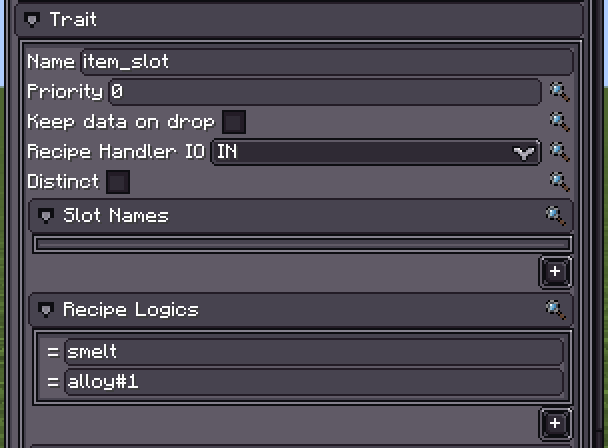
smelt and the second thread of alloy only.A multiblock part's handlers follow the same idea through the pattern predicate that matched the part: its Recipe Logics limits which of the controller's logics may use them, on top of the part's own trait lists. See Multiblocks.
A handler that can follow only one recipe at a time — Create's rotation is one — goes to the first logic allowed to use it, and the others do not see it.
Status, events and UI
- The machine's status, and so its
workingandwaitingstates, sums up its logics: working if any works, else waiting if any waits, else suspended if all are, else idle. - Recipe events fire for each logic and say which one:
recipeLogicon the KubeJS event, therecipeLogicoutput of a blueprint entry node. - A UI binds one logic's progress bar, fuel bar and recipe-viewer button through the usual IDs with
@and the address appended:ui:progress_bar@smelt,ui:fuel_bar@alloy#2. The plain IDs stay the primary's. The Machine UI editor offers a progress and a fuel bar for every logic. - Jade shows every enabled logic, each but the primary under its address. JEI, REI and EMI show the machine as a catalyst of every recipe type it runs.
Per-machine values and saves
Each additional logic has its own runtime values, shared by its threads: recipe_logic.<name>.enable, .damping, .always_search, .always_modify and .consume_inputs_after_working. The primary and its threads keep the recipe_logic.* keys above.
The primary still saves under the key it always had, so a machine from an older world loads as it was. Every other logic saves under its name and thread: renaming or removing a logic, or lowering its threads, loses the recipe it had running.