
Getting Started
MBD2 21.1.1Create a machine project in the editor, export it, then add recipes. This path needs no Java code.
Prerequisites
- Minecraft
1.21.1, NeoForge21.1.217+, LDLib2, KilaGraph, and MBD221.1.1. - A single-player world and permission level 2 to run
/mbd2_editor. - Optional: JEI, REI or EMI to inspect the resulting recipe displays; Photon for machine effects.
First machine
- Run
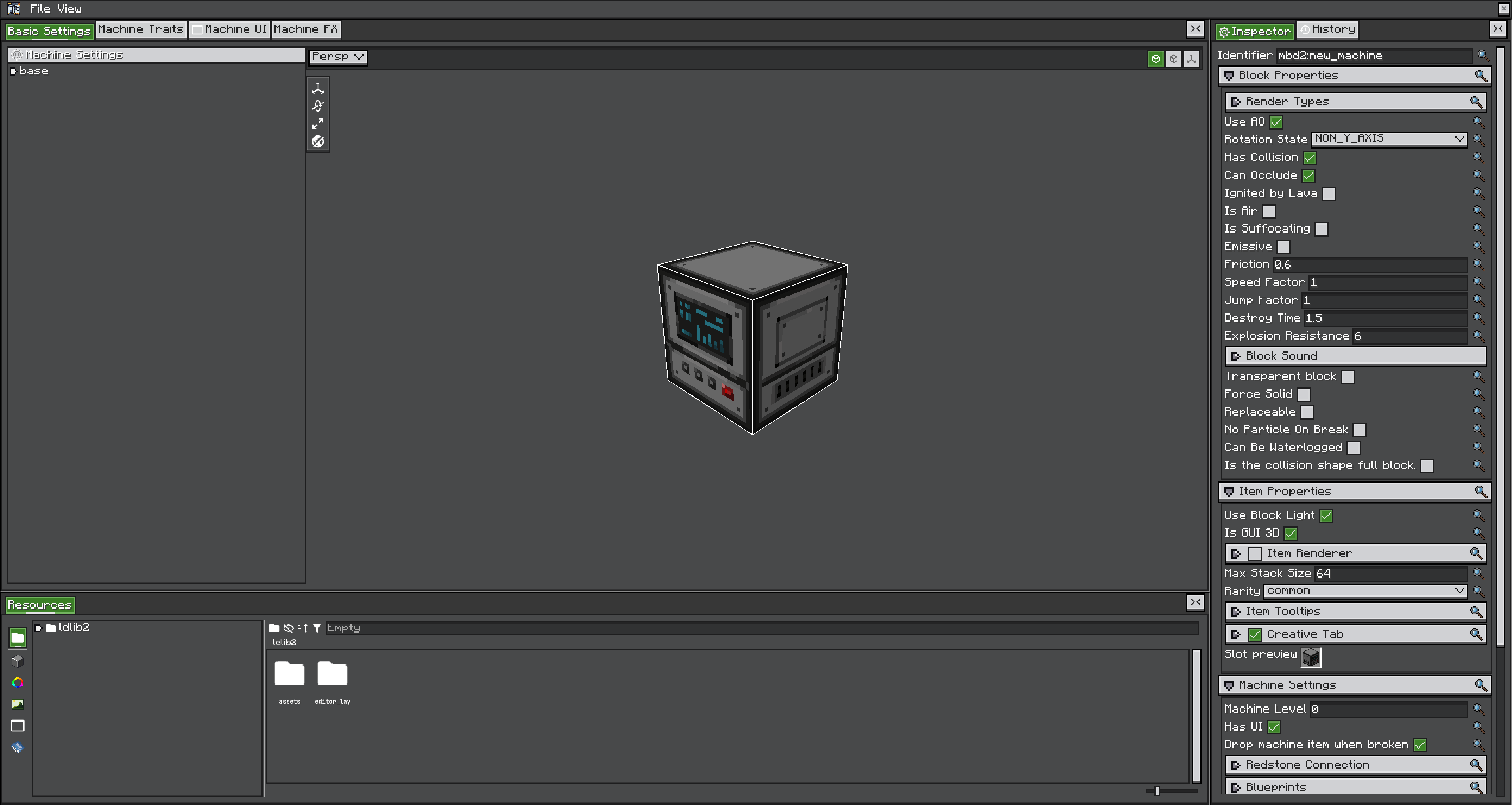
/mbd2_editorand create a single-machine or multiblock project. - Set the machine ID first — it becomes the block, item, block-entity and definition ID, and changing it later orphans existing worlds.
- Configure block and item properties, states and the renderer.
- Add the traits the machine needs. A trait provides storage, automation, or a recipe handler.
- Enable recipe logic and select a recipe type.
- Save the project, export its product, and reload or restart.
- Add a recipe in the recipe-type project or with KubeJS.
TIP
Build a one-input, one-output machine before adding probabilities, conditions or automation. It makes recipe debugger output far easier to read.
Iterating
| Changed | Do |
|---|---|
| A recipe in a KubeJS server script | /reload |
| An exported machine project | /mbd2 reload_machine_projects |
| An exported recipe-type project | /mbd2 reload_recipe_type_projects |
| A KubeJS startup script, block properties, or a shape | Restart |
Both /mbd2 reload commands re-read the exported product, not the editor's unsaved state.
Where data comes from
MBD2 loads authored machine and recipe-type products from its assets directory. The editor owns their NBT format — treat exported .sm / .mb / .rt files as build output, not a hand-authored API.
Next
| You want | Go to |
|---|---|
| The rest of the editor | Editor workflow |
| Behaviour the machine ships with | Blueprints |
| Pack-owned recipes and scripts | KubeJS |
| A complete registration example | Tutorials |