
Traits and Machine UI
MBD2 21.1.1A trait is a configurable machine component. Keep three IO systems separate: recipe-handler IO, sided block-capability IO, and automatic world IO.
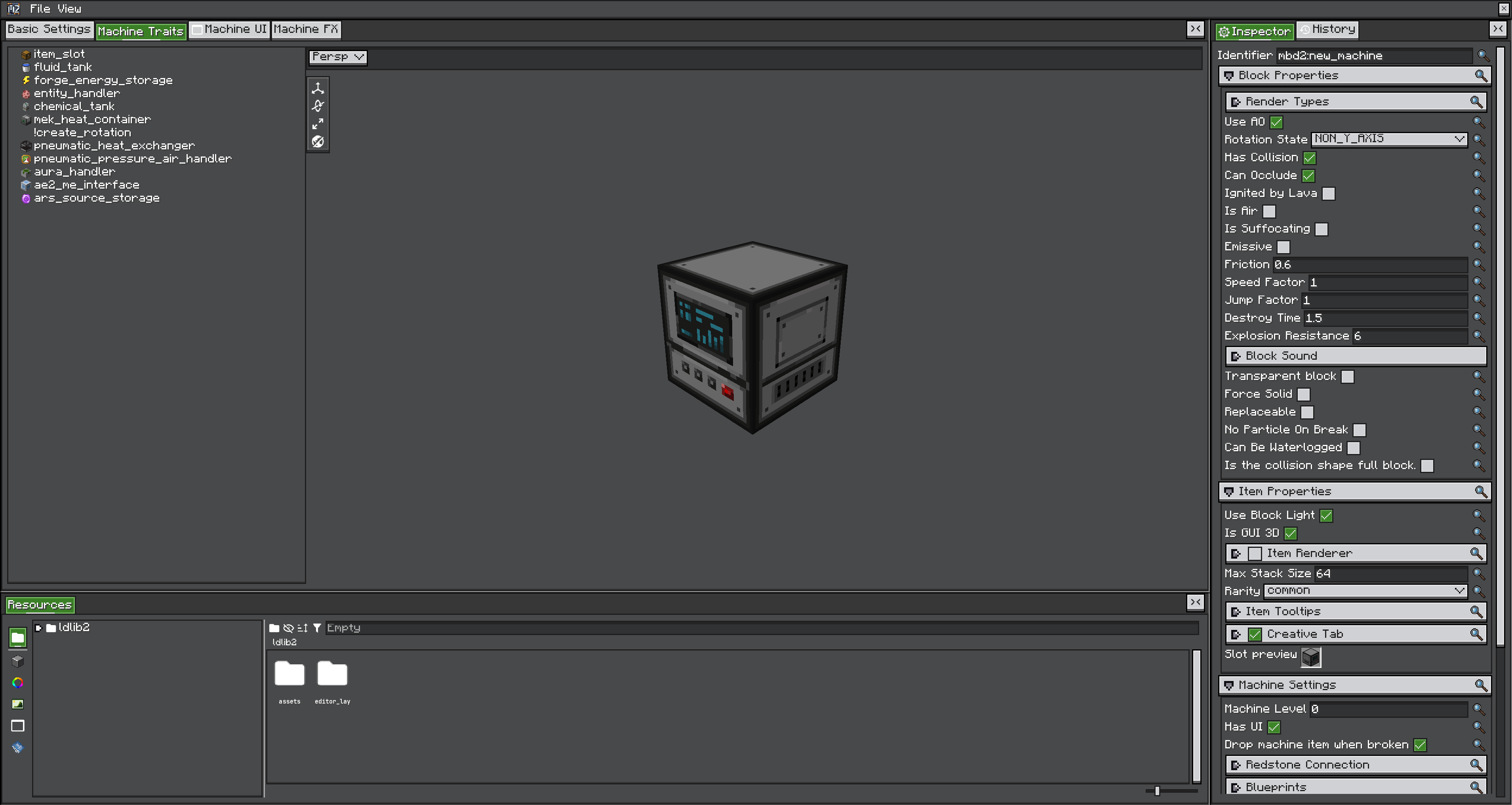
Configure a trait
| Setting | Purpose |
|---|---|
| Trait name | Stable lookup name for KubeJS and generated ui:<name> IDs |
| Recipe handler IO | Whether recipe logic may consume from or produce into the trait |
| Distinct | Whether capability content must be handled without combining across handlers |
| Slot names | Optional routing names referenced by recipe slotName |
| Capability IO | Which world-facing sides allow insertion/extraction, relative to machine front |
| GUI IO | Which actions the machine UI permits |
| Auto IO | Periodic transfer to/from adjacent block capabilities |
| Filter/capacity/rate | Trait-specific storage constraints |
Core traits
| Trait type | Runtime storage | Recipe handlers | World capability |
|---|---|---|---|
item_slot | Item stack transfer | item, item_durability | Sided item handler |
fluid_tank | Fluid storage list | fluid | Sided fluid handler |
forge_energy_storage | Copiable energy storage | forge_energy | Capabilities.EnergyStorage.BLOCK |
entity_handler | Entity interaction configuration | entity | Behaviour-oriented; not normal inventory storage |
Optional traits appear only with their dependency: chemical_tank, mek_heat_container, pneumatic_pressure_air_handler, pneumatic_heat_exchanger, aura_handler, ars_source_storage, ars_nearby_source, ae2_me_interface, ae2_me_pattern_provider. See Integrations.
Every setting here is overridable per machine
Trait settings are also runtime values: recipe handler IO, distinct, slot names, capability IO, auto IO, capacities and filters can all be overridden on one placed machine by a blueprint or a script, without touching the definition.
Generate and bind UI
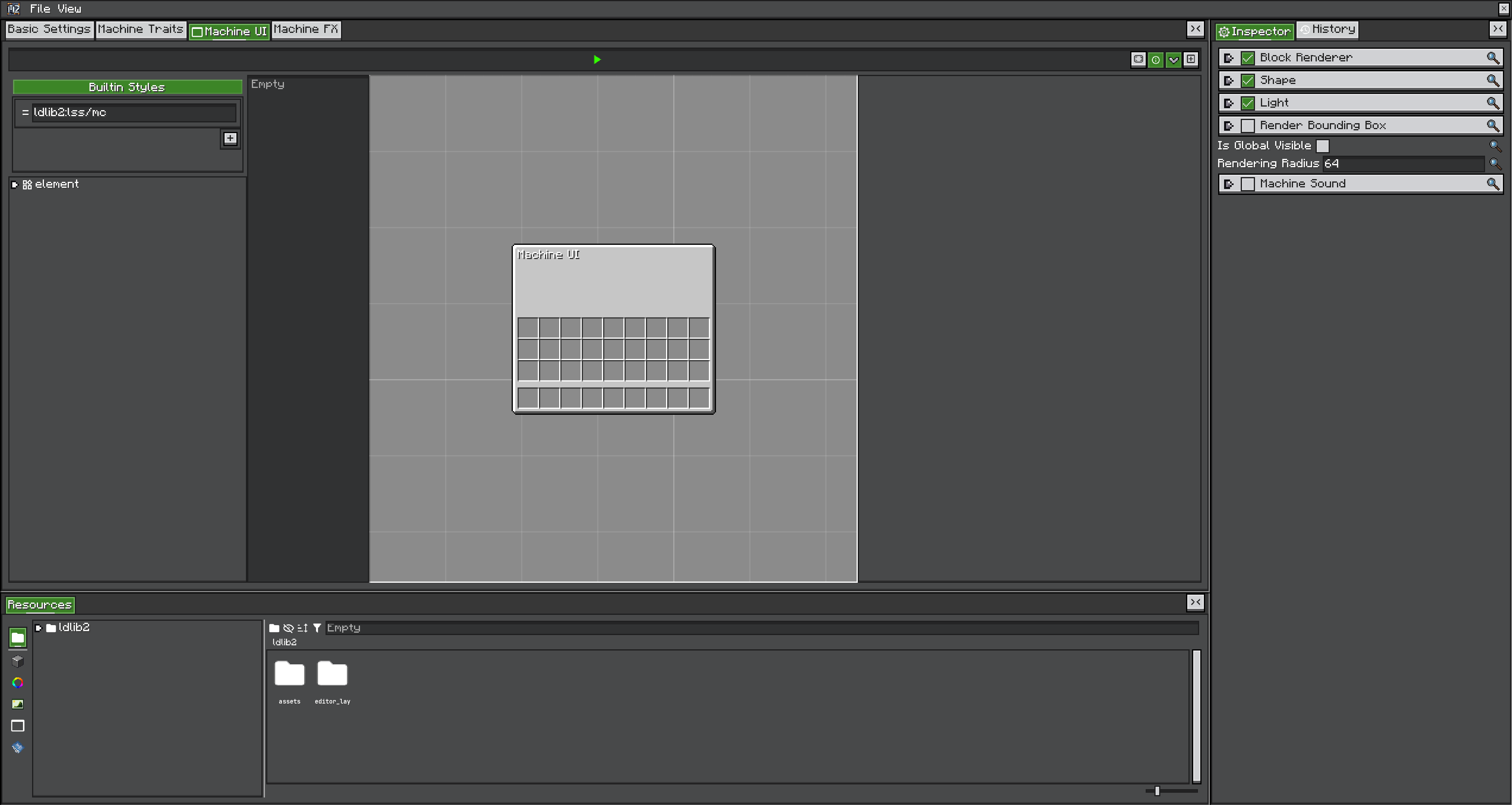
Trait definitions implementing IUIProviderTrait create templates using IDs based on ui:<trait-name>. SLOT layouts flow into input/output columns; BAR layouts flow below them. The UI generator can also add recipe progress, fuel progress, recipe-viewer lookup, and player inventory.
Generate after trait names and counts are stable. If you rename a trait, verify all generated widget IDs, recipe slotName/uiName, and scripts.
At runtime, initTraitUI binds the actual trait to matching widgets. Storage remains server-authoritative; controls should send actions or use data bindings rather than directly trusting client-side values.
Cross-part UI
A multiblock controller's UI can bind a widget to a trait that lives on one of its parts, and a part's UI can bind to a trait on its controller. Give the element a prefixed ID in the editor:
| On | ID form | Binds to |
|---|---|---|
| A controller's UI | part:<traitName>@ui:<widgetId> | That trait on any formed part |
| A part's UI | controller:<traitName>@ui:<widgetId> | That trait on any controller — needs part settings enabled |
<widgetId> is the generated widget ID with its ui: prefix dropped, so a part trait named input_items whose first slot is ui:input_items_0 is reached as part:input_items@ui:input_items_0.
At bind time MBD2 finds the trait, rewrites the element's ID back to ui:input_items_0 and runs that trait's initTraitUI. If no part or controller has a trait with that name, or the trait provides no UI, the element is left alone.
For resources rather than widgets, use capability proxying — see Multiblocks.
Adding UI from a blueprint
A blueprint can hook the Build UI event and append to the screen the editor authored. The Auto IO panel built-in does exactly that, and it is the pattern for any UI a machine should get without editing its UI tree.