
Registering Machines and Recipe Types
MBD2 21.1.1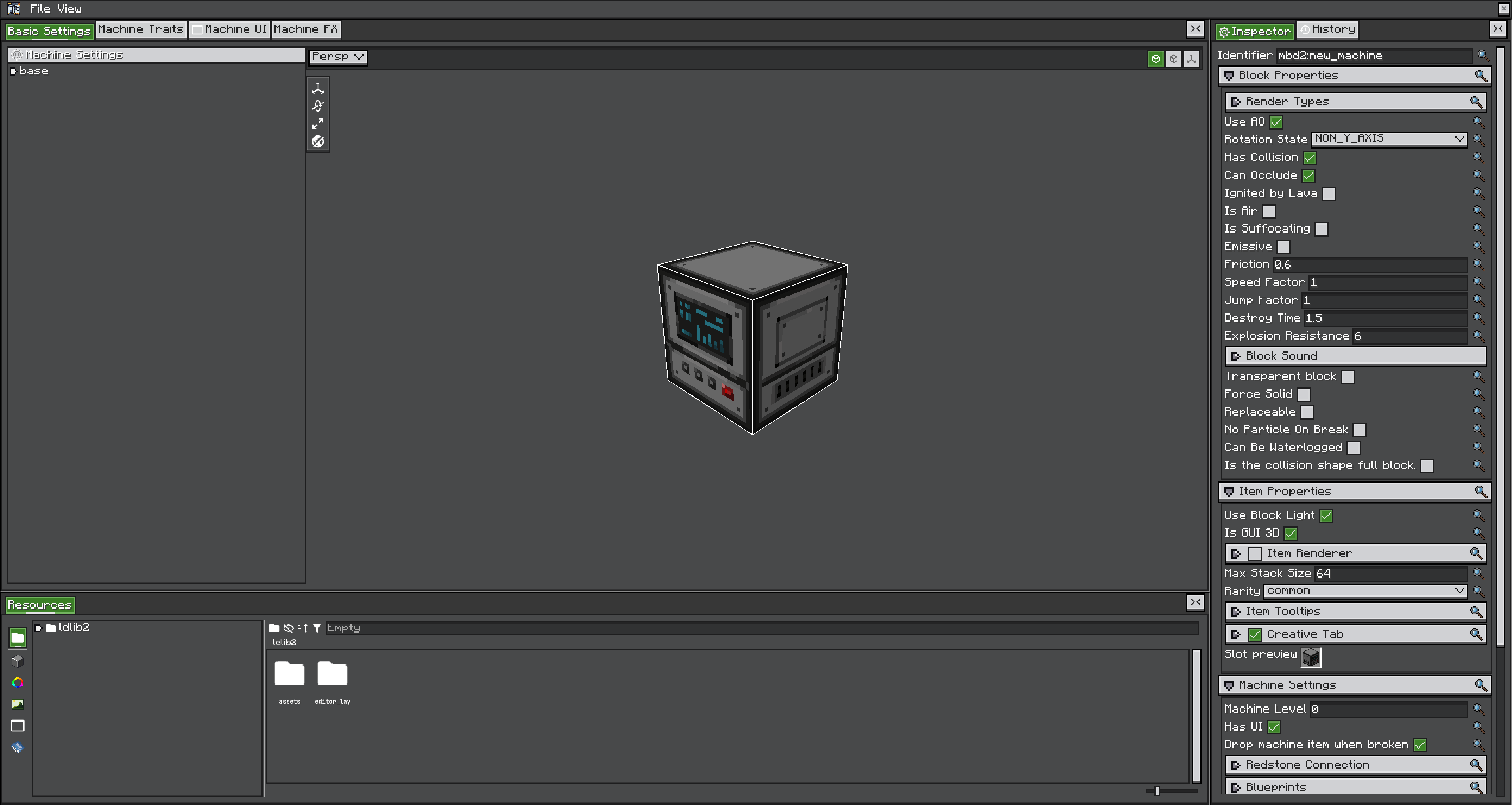
For most mods, the safest workflow is: author the project in /mbd2_editor, export it, package the product file under assets/<modid>/..., and register it with MBDRegistryEvent. Programmatic builders are useful when the definition must be generated from code.
Register editor products
public static void registerRecipeTypes(MBDRegistryEvent.MBDRecipeType event) {
    event.registerFromResource(
        ExampleMod.class,
        "examplemod/mbd/recipe_types/heat_press.rt"
    );
}

public static void registerMachines(MBDRegistryEvent.Machine event) {
    event.registerFromResource(
        ExampleMod.class,
        "single_machine", // registry key, not the KubeJS "single" alias
        "examplemod/mbd/machines/heat_press.sm"
    );
    event.registerFromResource(
        ExampleMod.class,
        "multiblock",
        "examplemod/mbd/machines/blast_furnace.mb"
    );
}
registerFromResource reads NBT from /assets/<projectFile>. It logs and skips the definition if the type or resource is missing. Editor product loading defers registry-dependent fields until MBD2's post tasks run.
Build a recipe type in Java
public static final ResourceLocation HEAT_PRESS_RECIPES =
    ResourceLocation.fromNamespaceAndPath(ExampleMod.MOD_ID, "heat_press");

public static void registerRecipeTypes(MBDRegistryEvent.MBDRecipeType event) {
    MBDRecipeType type = new MBDRecipeType(HEAT_PRESS_RECIPES);

    MBDRecipe recipe = type.recipeBuilder(
            ResourceLocation.fromNamespaceAndPath(ExampleMod.MOD_ID, "press_iron"))
        .inputItems(Items.IRON_INGOT, 2)
        .input(HeatUnitsCapability.CAP, 400)
        .outputItems(Items.IRON_BLOCK)
        .duration(200)
        .addCondition(new MoonPhaseCondition(0))
        .saveAsBuiltinRecipe();

    event.register(type);
}
saveAsBuiltinRecipe() inserts the built recipe into the type's built-in map. buildRawRecipe() only returns an object; it does not register or save it. For data generation, configure onSave and call MBDRecipeBuilder#save(RecipeOutput).
Build a simple definition in Java
public static void registerMachines(MBDRegistryEvent.Machine event) {
    var energy = new ForgeEnergyCapabilityTraitDefinition();
    energy.setName("power");
    energy.setCapacity(100_000);
    energy.setMaxReceive(2_000);
    energy.setMaxExtract(2_000);
    energy.setRecipeHandlerIO(IO.IN);

    var definition = MBDMachineDefinition.builder()
        .id(ResourceLocation.fromNamespaceAndPath(ExampleMod.MOD_ID, "heat_press"))
        .rootState(MachineState.baseBuilder()
            .modelRenderer(ResourceLocation.fromNamespaceAndPath(
                ExampleMod.MOD_ID, "block/heat_press"))
            .shape(Shapes.block())
            .lightLevel(0)
            .child("working")
            .build())
        .blockProperties(ConfigBlockProperties.builder().build())
        .itemProperties(ConfigItemProperties.builder().build())
        .machineSettings(() -> ConfigMachineSettings.builder()
            .machineLevel(1)
            .hasUI(true)
            .traitDefinitions(new ArrayList<>(List.of(energy)))
            .build())
        .recipeLogicSettings(ConfigRecipeLogicSettings.builder()
            .enable(true)
            .recipeType(HEAT_PRESS_RECIPES)
            .build())
        .partSettings(() -> ConfigPartSettings.builder().build())
        .build();

    event.register(definition);
}
The definition later registers its own block, item, block entity, renderer, and capabilities. Do not also place those generated objects in your own DeferredRegister.
When to create a definition type
Create a MachineDefinitionType<T> only when you need a distinct definition/runtime class or an editor project provider. A normal custom block appearance, trait set, UI, or recipe type does not require a new definition type. The built-ins are single_machine (.sm) and multiblock (.mb).