
Java Tutorial: Register a Machine, Recipe Type, and Recipe
MBD2 21.1.1This tutorial ships an editor-authored single-block crusher and recipe-type UI inside a Java mod, then adds an iron_ingot -> iron_nugget built-in recipe in Java.
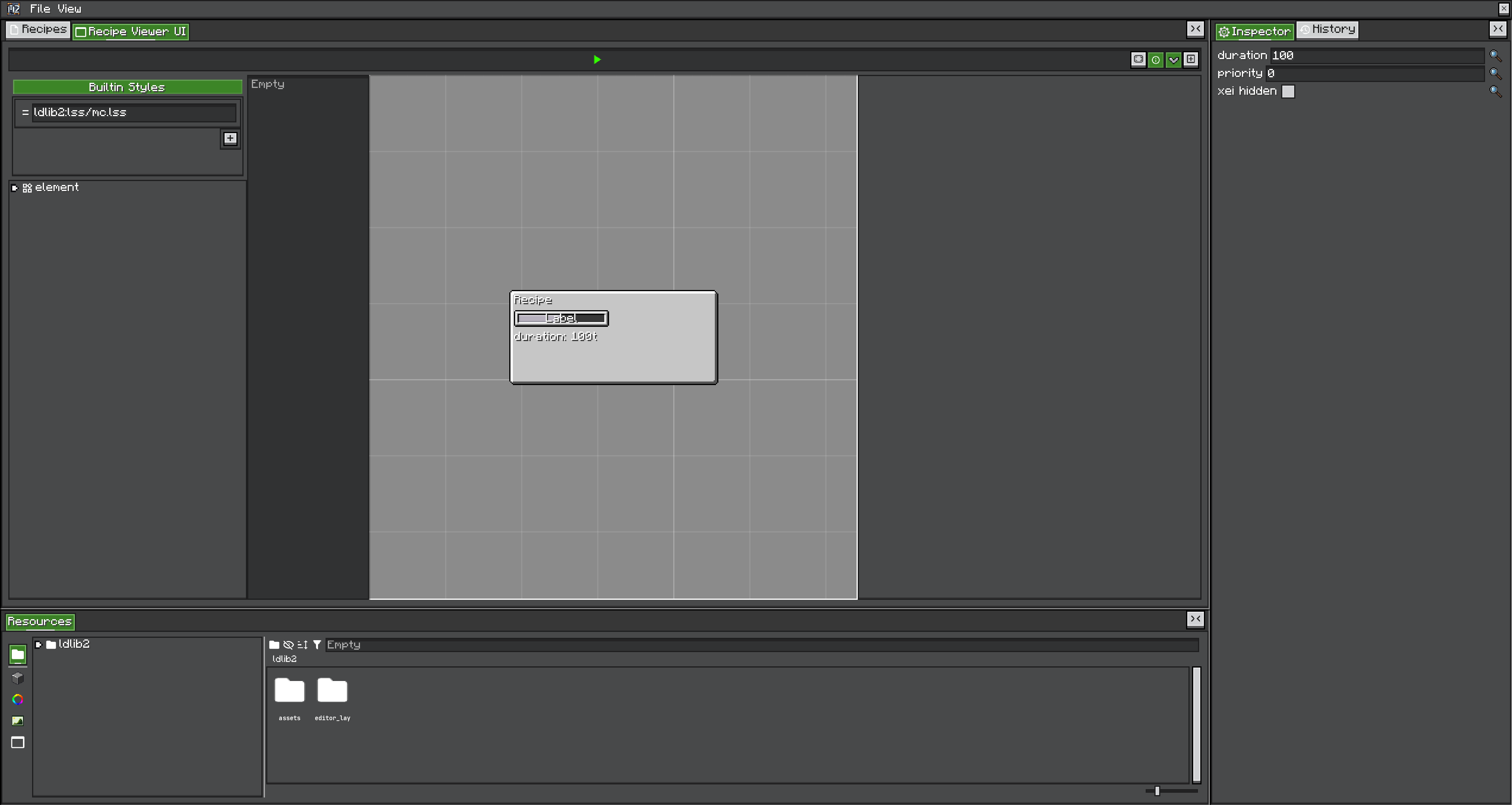
Result and IDs
Keep these IDs stable throughout the tutorial:
| Object | ID |
|---|---|
| Machine definition/block | examplemod:crusher |
| Recipe type | examplemod:crushing |
| Recipe | examplemod:crush_iron |
The machine ID and recipe-type ID are deliberately different. The machine's Recipe Logic setting must reference examplemod:crushing.
1. Configure Gradle
Follow Gradle dependency setup, then confirm:
./gradlew.bat compileJavaYour code needs MBD2 and LDLib2 on compileClasspath; the development run also needs both mods at runtime.
2. Author and export the products
Open /mbd2_editor and create a recipe-type project:
- Set its registry ID to
examplemod:crushing. - Add item input and item output widgets to the recipe UI.
- Export the productive recipe-type file as
crushing.rt.
Create a single-machine project:
- Set its registry ID to
examplemod:crusher. - Add one item Trait with
recipeHandlerIO = IN; name itinput. - Add one item Trait with
recipeHandlerIO = OUT; name itoutput. - Enable Recipe Logic and choose
examplemod:crushing. - Generate/author a UI containing both Traits and a progress bar.
- Export the productive machine file as
crusher.sm.
Package the products at these exact classpath paths:
src/main/resources/
└─ assets/
   └─ examplemod/
      └─ mbd/
         ├─ recipe_types/
         │  └─ crushing.rt
         └─ machines/
            └─ crusher.sm
Do not hand-edit these NBT product files. Keep editable projects separately and treat .rt/.sm as exported build artifacts.
3. Subscribe on the mod event bus
package com.example.examplemod;

import com.lowdragmc.mbd2.common.event.MBDRegistryEvent;
import net.neoforged.bus.api.IEventBus;
import net.neoforged.fml.common.Mod;

@Mod(ExampleMod.MOD_ID)
public final class ExampleMod {
    public static final String MOD_ID = "examplemod";

    public ExampleMod(IEventBus modBus) {
        modBus.addListener(MBDRegistration::registerRecipeTypes);
        modBus.addListener(MBDRegistration::registerMachines);
    }
}
MBDRegistryEvent implements IModBusEvent; do not attach these listeners to NeoForge.EVENT_BUS.
4. Register the recipe type and Java recipe
package com.example.examplemod;

import com.lowdragmc.mbd2.api.recipe.MBDRecipeType;
import com.lowdragmc.mbd2.api.registry.MBDRegistries;
import com.lowdragmc.mbd2.common.event.MBDRegistryEvent;
import net.minecraft.resources.ResourceLocation;
import net.minecraft.world.item.Items;

public final class MBDRegistration {
    public static final ResourceLocation CRUSHING = id("crushing");
    public static final ResourceLocation CRUSH_IRON = id("crush_iron");

    private MBDRegistration() {}

    public static void registerRecipeTypes(MBDRegistryEvent.MBDRecipeType event) {
        event.registerFromResource(
            ExampleMod.class,
            "examplemod/mbd/recipe_types/crushing.rt"
        );

        MBDRecipeType crushing = MBDRegistries.RECIPE_TYPES.get(CRUSHING);
        if (crushing == null) {
            throw new IllegalStateException("Missing recipe type " + CRUSHING);
        }

        crushing.recipeBuilder(CRUSH_IRON)
            .inputItems(Items.IRON_INGOT)
            .outputItems(Items.IRON_NUGGET, 9)
            .duration(100)
            .priority(0)
            .saveAsBuiltinRecipe();
    }

    private static ResourceLocation id(String path) {
        return ResourceLocation.fromNamespaceAndPath(ExampleMod.MOD_ID, path);
    }

    // registerMachines is added in the next step.
}
registerFromResource prepends /assets/, so its argument is examplemod/..., not assets/examplemod/....
saveAsBuiltinRecipe() inserts the built recipe into this recipe type's built-in recipe map. buildRawRecipe() only returns an object and would not make the recipe available by itself.
5. Register the machine product
Add this method to MBDRegistration:
public static void registerMachines(MBDRegistryEvent.Machine event) {
    event.registerFromResource(
        ExampleMod.class,
        "single_machine",
        "examplemod/mbd/machines/crusher.sm"
    );
}
Java resource type keys are:
| Product | Type key | Suffix |
|---|---|---|
| Single machine | single_machine | .sm |
| Multiblock controller | multiblock | .mb |
These differ from KubeJS's single alias. create_machine/kinetic is not a current public registration path.
The machine definition registers its generated block, item, block entity type, renderer, and exposed capabilities later in MBD2's registration lifecycle. Do not duplicate them in your own DeferredRegister.
6. Start and verify
Run the client and check the log in this order:
Loading recipe types
Loading machines
Then verify:
/give @s examplemod:crusherresolves.- The placed block uses the authored base state/model.
- Its UI shows
input,output, and the progress widget. - One iron ingot in the input starts
examplemod:crush_iron. - After 100 working ticks, nine nuggets enter the output.
- JEI/REI/EMI shows the recipe if a supported viewer is installed.
If the block exists but does not process, first confirm the machine product references examplemod:crushing and both item Traits expose the correct recipe IO.
Programmatic alternatives
- Create
new MBDRecipeType(id)andevent.register(type)when no editor-authored recipe UI/proxy configuration is needed. - Build an
MBDMachineDefinitionand callevent.register(definition)when the entire definition must be generated in code. - Use
MBDRecipeBuilder#save(RecipeOutput)only from a configured data-generation path; usesaveAsBuiltinRecipe()for recipes shipped directly by registration code.
Continue with custom machine/reference APIs for builder details and RecipeLogic lifecycle for runtime behavior.