
Editor Workflow
MBD2 21.1.1The MBD2 editor is the primary authoring tool for machine and recipe-type product files.
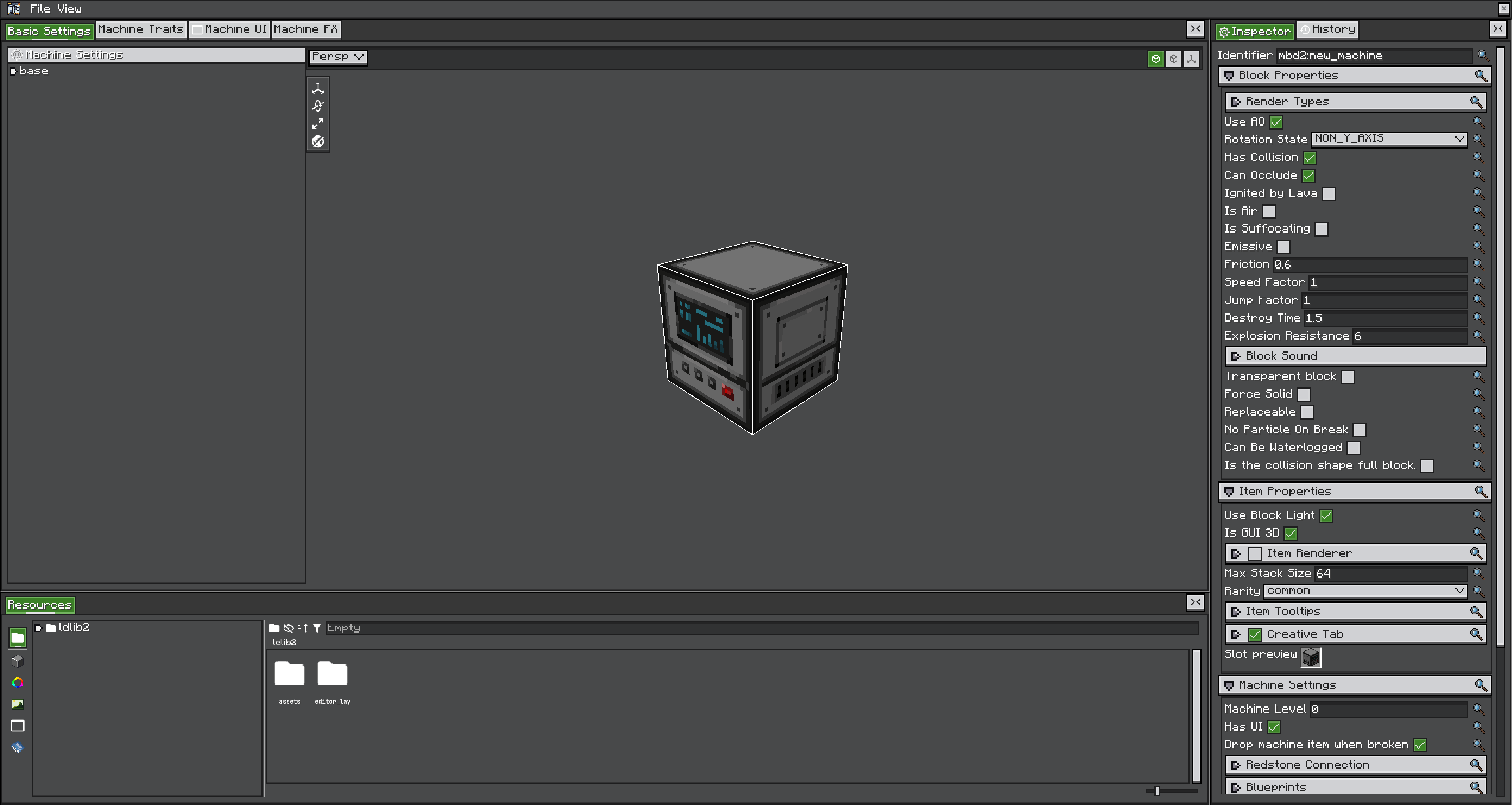
Run /mbd2_editor to open it. The project menu discovers registered machine and recipe-type project providers automatically, so a Create Kinetic Machine appears alongside the built-in single and multiblock types when Create is installed.
Views of a machine project
| View | Owns |
|---|---|
| Basic Settings | Definition ID, block and item properties, machine settings, traits, recipe logic, part settings, blueprint bindings |
| Machine Traits | The trait list and each trait's configuration |
| Machine UI | The UIElement tree bound to traits at runtime |
| Machine FX | Per-state Photon effects and the named FX library |
| Multiblock Pattern | Predicates, layers, repetition and shape info — multiblock projects only |
Recipe-type projects have a recipes list and a recipe display UI view instead.
Authoring sequence
- Create a project of the required machine type and set its ID first.
- Configure the definition and its states.
- Add traits, then generate or refine the machine UI.
- Enable recipe logic and select a recipe type.
- For multiblocks, author predicates, the pattern and shape information.
- Add effects and blueprints if the machine needs them.
- Save the project, then export its product before testing recipes.
Reloading without a restart
| Command | Reloads |
|---|---|
/mbd2 reload_machine_projects | Every machine definition created from a project file |
/mbd2 reload_recipe_type_projects | Every recipe type created from a project file, and its recipes |
Both are single-player, permission-level-2 commands, and they re-read the exported product — not the editor's unsaved state. Export first.
Changes to block properties, shapes and registry-facing settings still need a full restart.