
Photon2
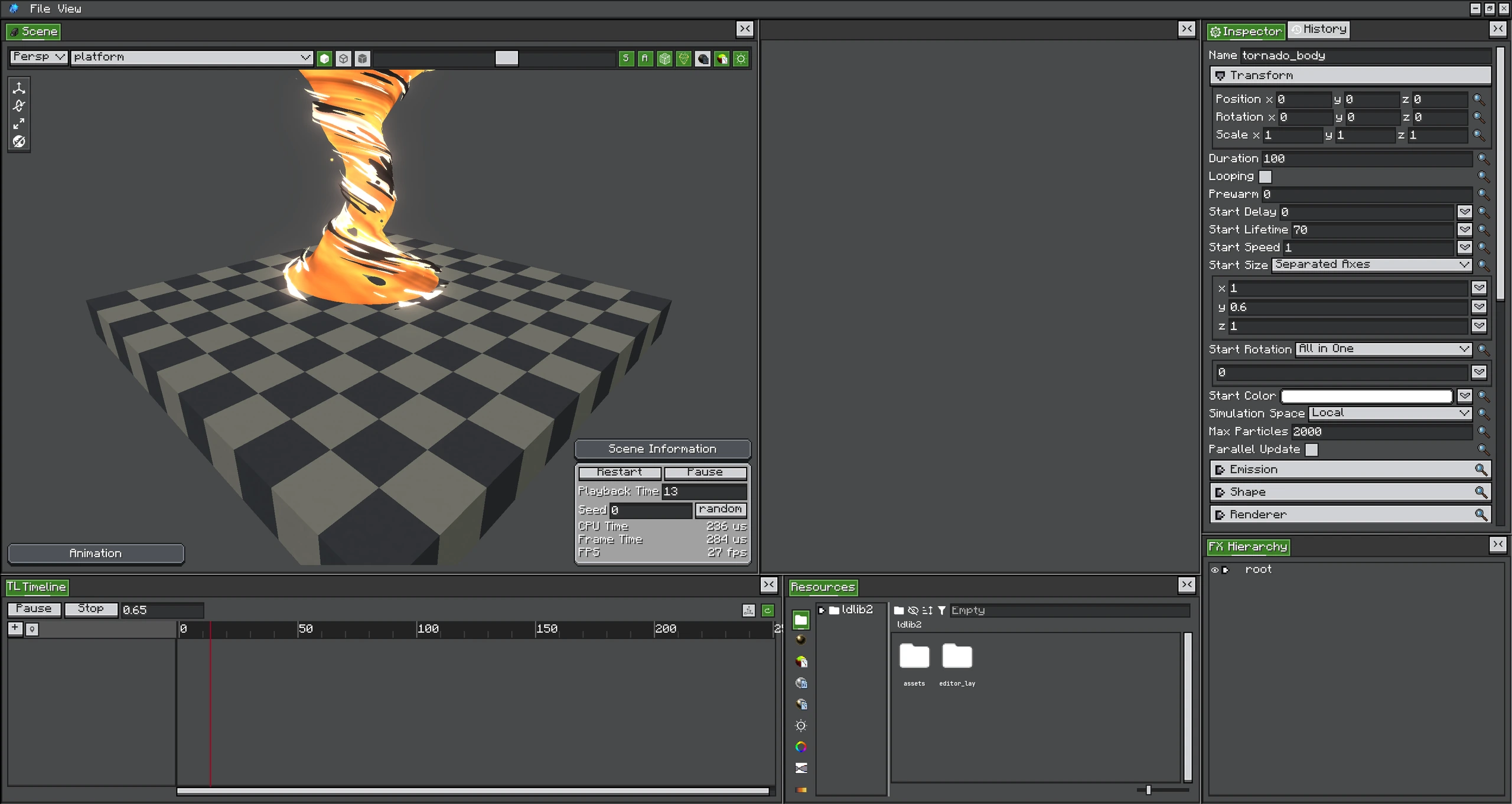
Since 2.0.0Photon is an in-game real-time VFX toolkit for Minecraft. It combines particle emitters, trails, beams, a non-linear Timeline, Shader Graph materials, and graph-based post-processing in one editor.
Photon 2.2 Showcase
The 2.2 release expands Photon from a particle editor into a complete VFX pipeline: Timeline sequencing, Shader Graph materials, Fullscreen Shader Graphs, Render Graph post effects, custom GPU data, force fields, mesh particles, and distributable FX Packs.
Classic Introduction Video
The original video remains available. It focuses on the foundational particle workflow and complements the 2.2 showcase above; its interface and feature coverage reflect the earlier release.
Choose a Path
| Goal | Start here |
|---|---|
| Create a first effect in the editor | Getting Started |
| Learn particle emitters and modules | Particle System |
| Sequence effects and properties | Timeline |
| Build materials and GPU effects | Shaders and GPU |
| Create fullscreen effects | Post Processing |
| Load and control effects from a mod | Java API |
How the Parts Fit Together
An exported .fx stores the authored object tree and Timeline. At runtime, FX#createRuntime() creates an independent playable instance. The runtime emits its objects into the client particle engine and submits active post-process clips once per frame.
Main Features
- Particle authoring: particle, trail, beam, and AraTrail emitters with curves, gradients, collision, sub-emitters, UV animation, custom renderers, and simulation spaces.
- Timeline: animation, activation, control, speed, signal, audio, group, and post-process tracks.
- Shader Graph: visual vertex and fragment shaders with scene inputs, particle inputs, reusable functions, and live previews.
- GPU data: per-emitter custom streams readable from Shader Graph or GLSL.
- Post-processing: fullscreen passes composed in a Render Graph, including weighted blending, priorities, custom textures, mask groups, and custom depth.
- Distribution: plain
.fxexports and self-contained.fxpackresource packs. - Java integration: built-in block/entity executors or direct control through
FXRuntime.
Requirements
- Minecraft
1.21.1 - NeoForge
21.1+ - A compatible Photon
2.2.xand LDLib2 version - A client environment: Photon rendering and playback APIs are client-side
Photon 1.x
This manual documents Photon 2.x. The original Photon 1.x wiki remains available in the legacy repository wiki.