
Commands
Photon commands are useful for previewing exports and simple bindings. A mod should use the Java API when it owns the effect lifecycle.
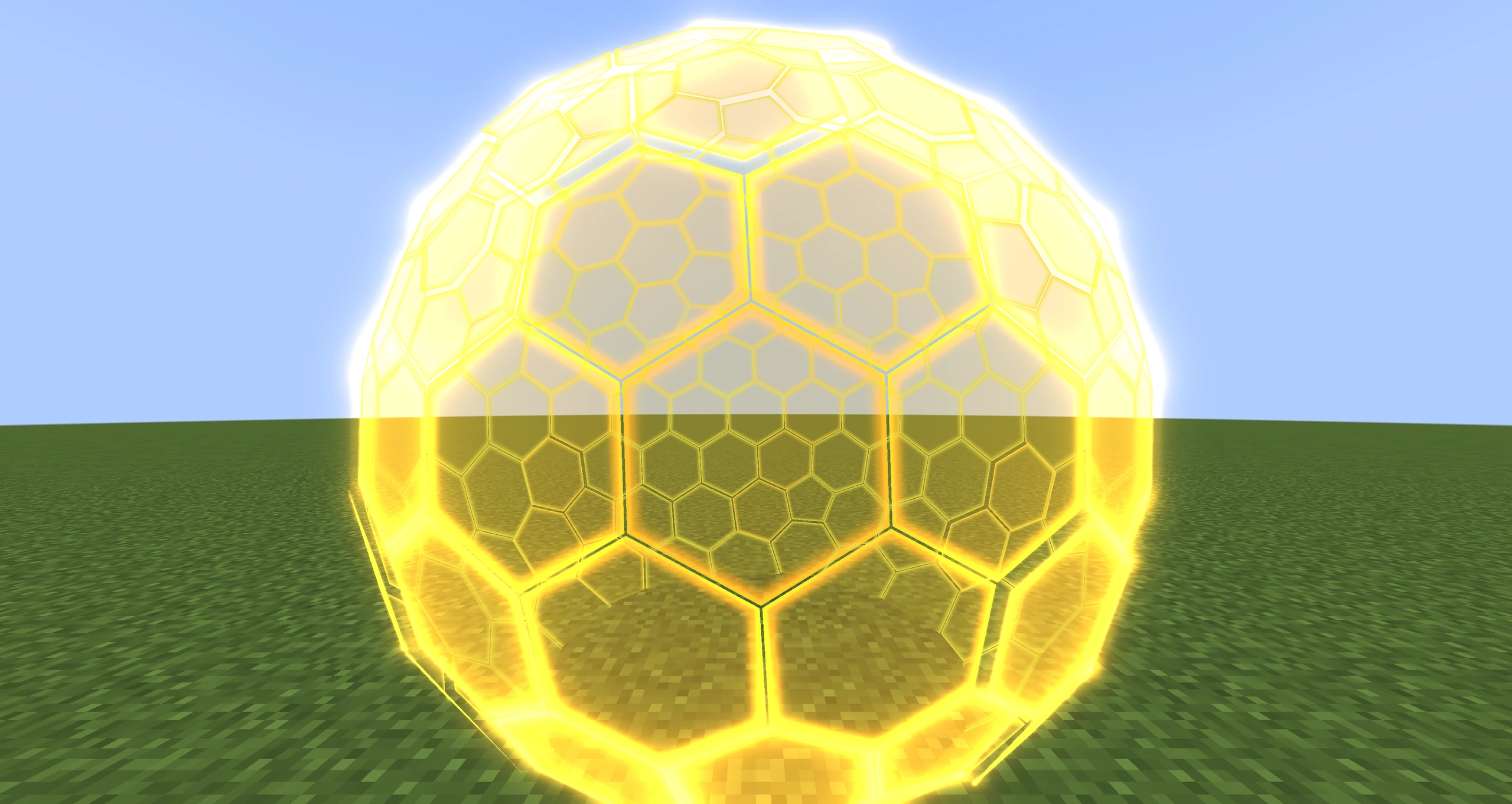
Commands and Java executors resolve the same exported FX resources; this shield is the real photon:shield_gpu effect.
Open the Editor
/photon_editorThe editor can only open in a single-player world.
Bind an FX to a Block
/photon fx <id> block <x y z> [offset] [rotation] [scale] [delay] [forcedDeath] [allowMulti] [checkState]Minimal example:
/photon fx photon:fire block ~ ~-1 ~Full example:
/photon fx photon:fire block ~ ~-1 ~ 0 1 0 0 0 0 1 1 1 10 false false truecheckState removes the effect when the exact BlockState changes. Without it, changing to another block type still removes the effect, but a property-only state change does not.
Bind an FX to Entities
/photon fx <id> entity <selector> [offset] [rotation] [scale] [delay] [forcedDeath] [allowMulti] [autoRotate]/photon fx photon:fire entity @e[type=minecraft:minecart,distance=..8] 0 0.5 0 0 0 0 1 1 1 0 false false lookautoRotate accepts:
| Mode | Behaviour |
|---|---|
none | Use only the configured rotation. |
forward | Rotate from the entity's forward vector. |
look | Follow the entity's look vector. |
xrot | Follow its visual body Y rotation. |
Common Parameters
| Parameter | Default | Meaning |
|---|---|---|
| offset | 0 0 0 | Local translation added to the anchor. |
| rotation | 0 0 0 | Euler rotation in degrees. |
| scale | 1 1 1 | Root scale. |
| delay | 0 | Start delay in ticks. |
| forcedDeath | false | Drop remaining particles immediately when the anchor disappears. |
| allowMulti | false | Permit another equivalent FX on the same anchor. |
Remove Bound Effects
/photon fx remove block ~ ~-1 ~ true
/photon fx remove entity @e[type=minecraft:pig,distance=..10] false photon:fire
The optional resource id limits removal to one FX. force=true removes visible remnants immediately.
Client Maintenance
| Command | Purpose |
|---|---|
/photon_client clear_particles | Remove Photon particles, clear executor caches, and invalidate cached runtimes. |
/photon_client clear_client_fx_cache | Drop cached FX definitions and the cached listing. |
/photon_client convert | Convert Photon 1 files from ldlib2/assets/photon/fx_old. |
Test Post Effects
Since 2.2.0/photonfx list
/photonfx test invert
/photonfx test invert 0.5
/photonfx clearThe test command submits the selected effect every frame until clear is run. The optional weight is 0..1.
Iris Diagnostics
Since 2.2.2/photon_iris status
/photon_iris dump
/photon_iris overlay on
/photon_iris mode autodump copies the compatibility report. Composite-mode overrides are diagnostic tools; use auto for normal play.