
Built-in Effects, Blending, and Masks
Since 2.2.0| Vignette | RGB Shift |
|---|---|
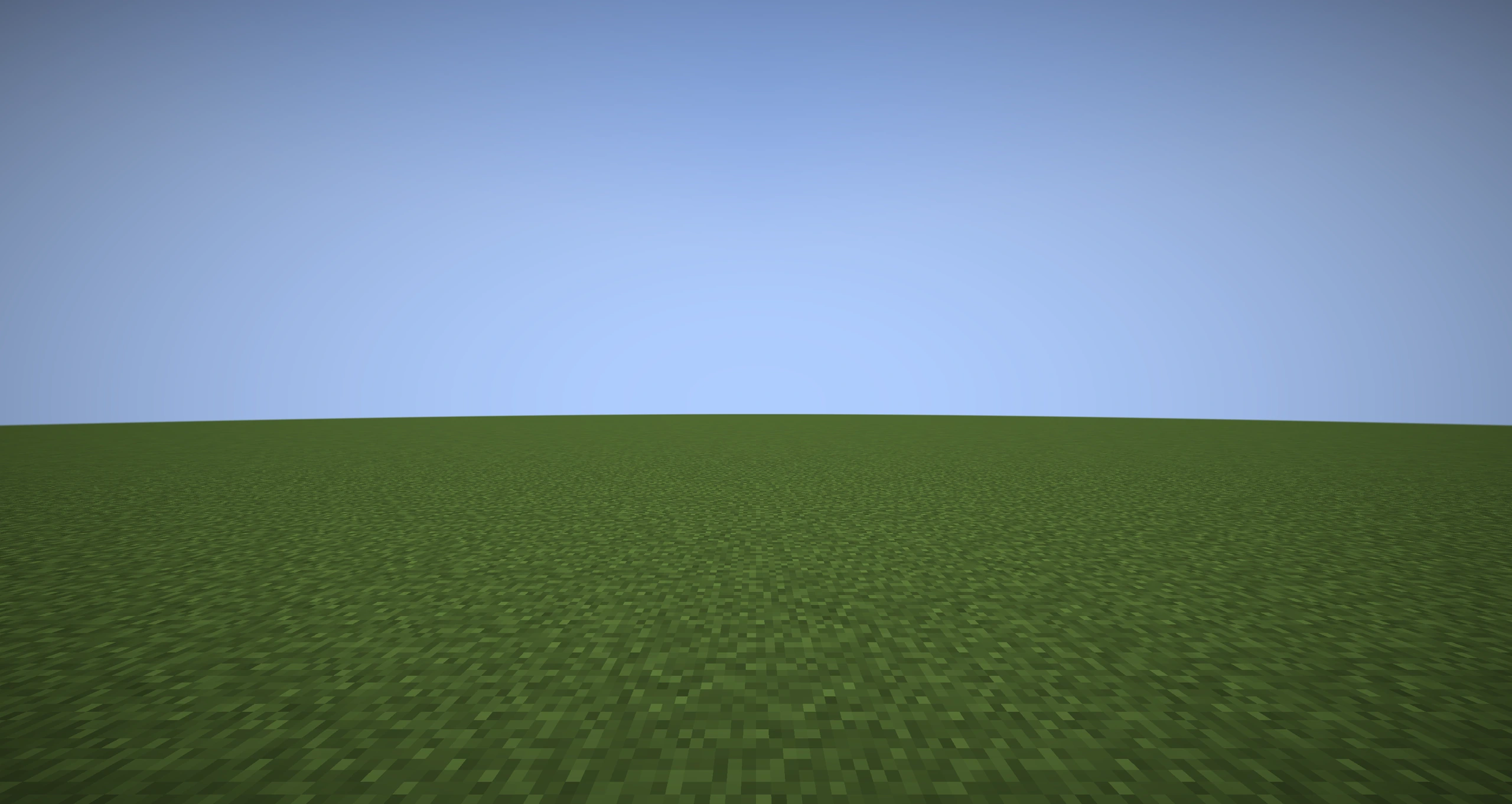 | 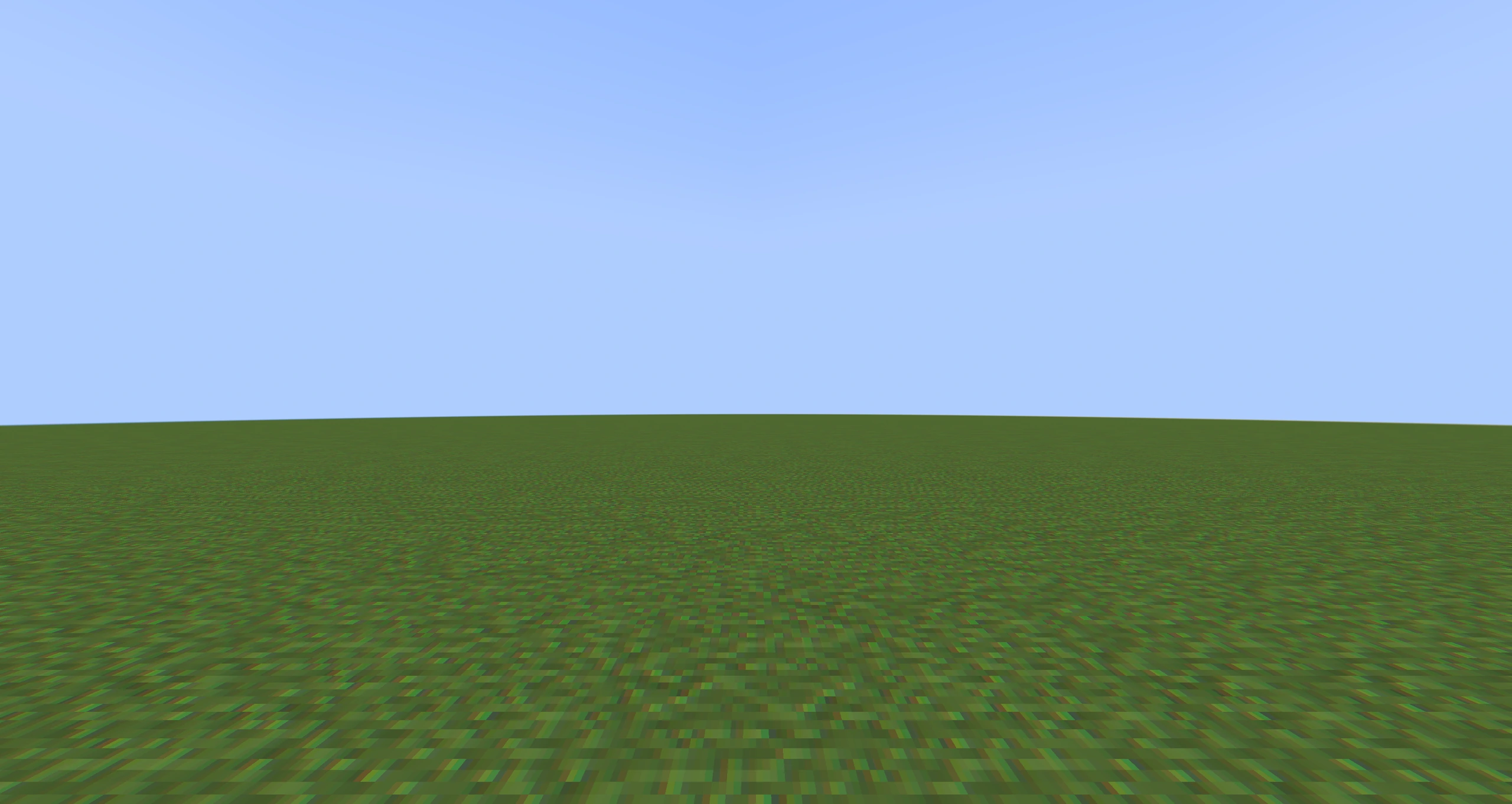 |
| Pixelate | Gaussian Blur |
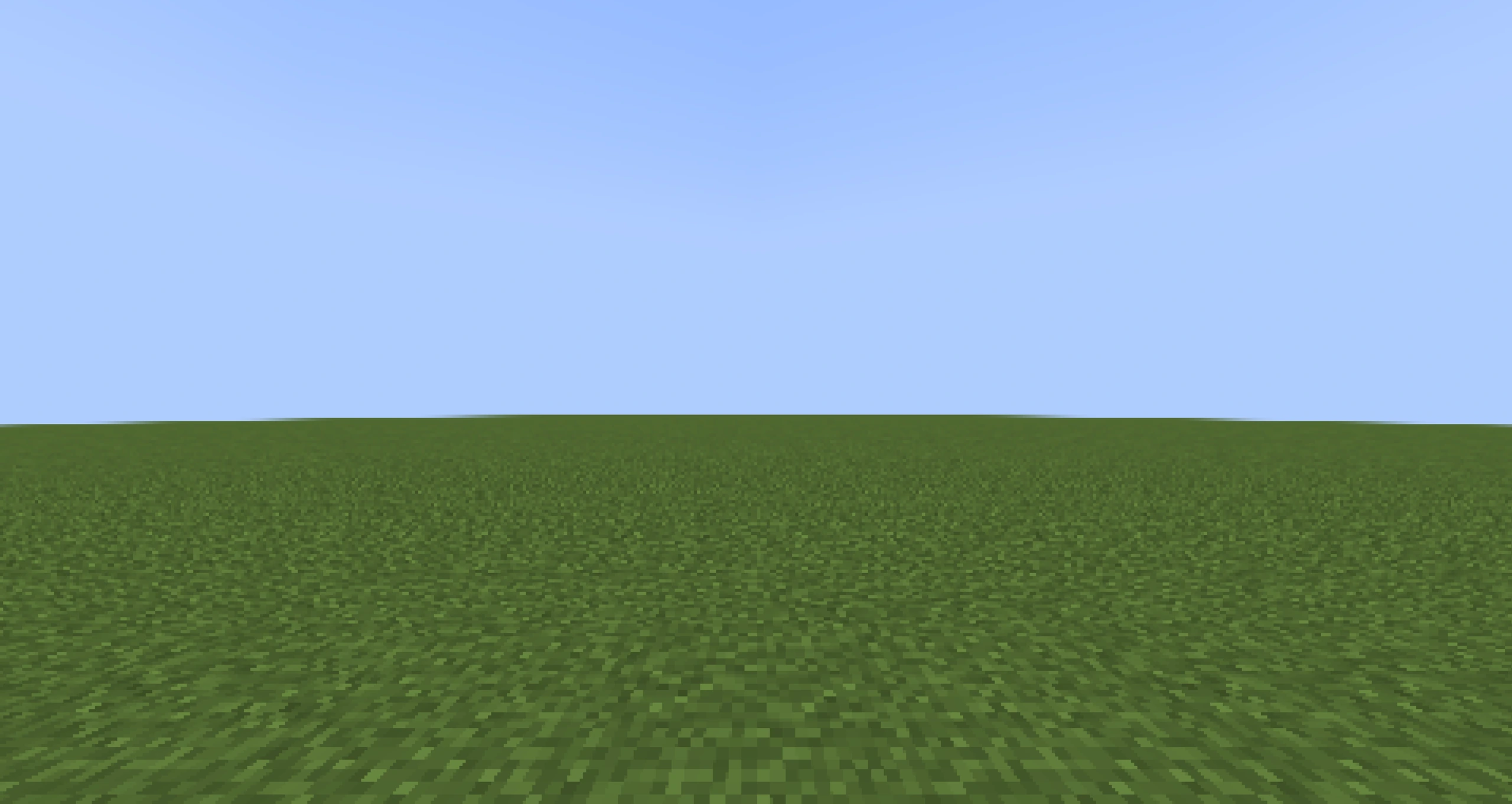 | 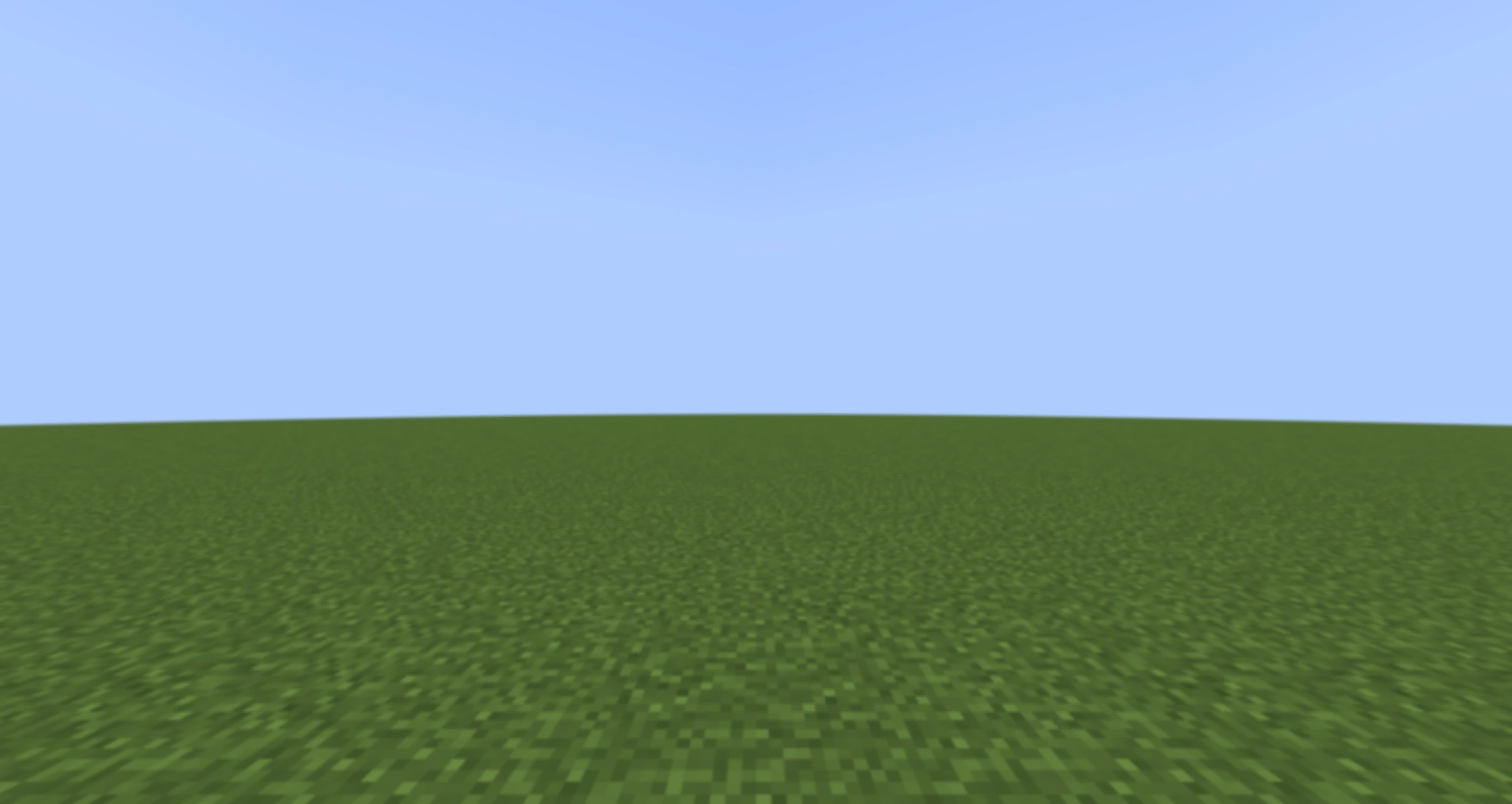 |
These captures use the real built-in graphs at full weight. Timeline and Java can fade or parameterize the same effects.
Photon ships Core Shader passes that can be selected directly by a Render Graph Pass. They are building blocks: a finished effect may connect several of them.
Built-in Pass Library
| Category | Passes |
|---|---|
| Color | grayscale, sepia, brightness_contrast, hue_saturation, tint, posterize |
| Lens/screen | vignette, rgb_shift, pixelate, dot_screen, film, glitch, lens_distortion |
| Filtering | blur_h, blur_v, sharpen, radial_blur |
| Composition | bright, add_mix, dof_composite |
| Edges/masks | outline, show_mask, mask_outline |
The Pass node inspects each Core Shader JSON: samplers become texture ports and float/vector uniforms become configurable value ports. Check the node Inspector for the exact parameters of the selected pass.
Merging Requests
Ordinary requests for the same effect path are merged and executed once. The stack combines weight as 1 - Π(1 - wᵢ) and resolves parameter overrides by the request model. Use an Independent Timeline clip when two instances must retain different parameters or mask groups; it costs another full-screen execution.
Effects are sorted by priority around built-in Bloom (0). Use a negative priority when the effect should feed Bloom—for example, an emissive brightening pass. Use a positive priority for presentation effects that should process the already-bloomed image.
Custom Mask and Depth
- On a Particle/Trail/Beam/AraTrail renderer, enable Write Custom Mask.
- Select an 8-bit Mask Group and optional Alpha Cutoff.
- In a Render Graph, read Custom Mask and optionally Custom Depth.
- Match the group with
round(mask.r * 255)or enable a Post Process Clip mask filter.
Custom Mask is allocated and populated only when something needs it. Mask group 0 is background; marked groups occupy 1..255. Custom Depth lets an effect distinguish a marked FX visible in front of geometry from one hidden behind it.
mask_outline is the ready-made per-group outline. show_mask is a debug view that colors group ids. Outline pixels extend outside the source mask, so Photon handles their final blend differently from a simple inside-mask color effect.
WARNING
An ordinary full-screen outline based only on Scene Depth finds every scene edge. A Custom Mask outline targets selected Photon renderers. Choose based on the intended subject; they are not interchangeable.
Quality and Cost
Each independent full-resolution pass reads and writes millions of pixels. Combine requests, use reduced resolution for wide blur, keep mask writes off unless used, and avoid running a complex effect at weight 0. Visual quality should be checked at the supported window sizes because pixel radii depend on target resolution.