
Tracks and Clips
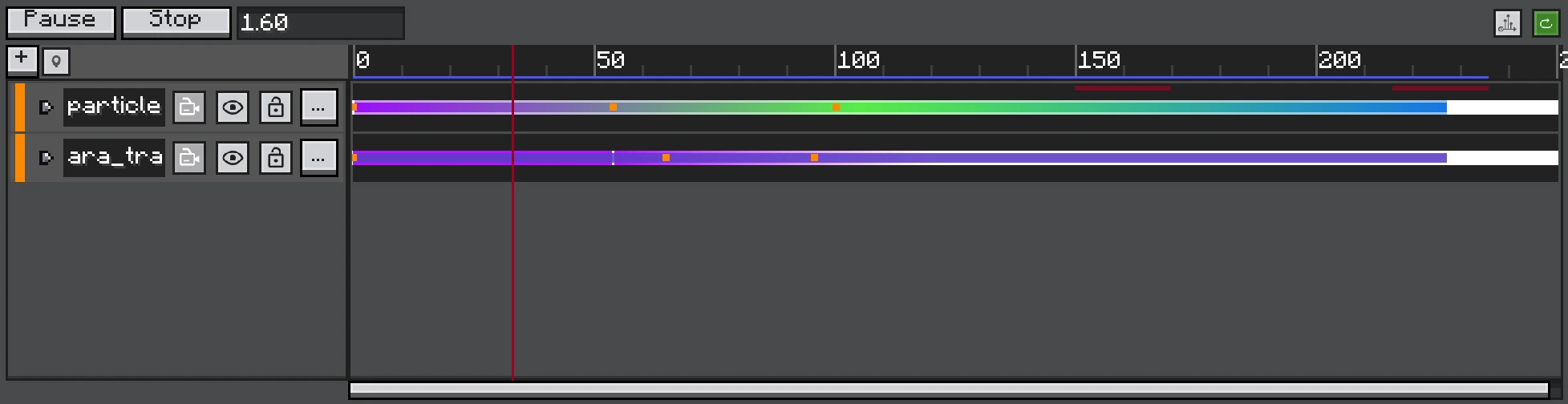
The left tree owns track state and target bindings; the right lanes own clip time ranges and authored items.
A Track owns timing items and optional target information. A Clip has a start, duration, and local time; some tracks use markers or signals instead of ordinary clips.
Track Structure
All tracks provide a display name and mute state. Targeted tracks store an FX object UUID. Track Groups contain child tracks and make large timelines readable without changing the target object hierarchy.
Clip Time
| Value | Meaning |
|---|---|
start | Master Timeline tick where the clip begins. |
duration | Length in ticks. |
| local time | masterTime - start, used to sample clip envelopes/properties. |
| seed | Deterministic seed used by Control Clip restart. |
| random seed | Ask the executor RNG for a fresh seed on restart. |
Clip boundary inclusion is defined by each track's lookup, but authored adjacent clips should meet at an edge without overlapping.
Target Binding
Drag an FX object from Hierarchy onto the target slot, or use its picker. Animation, Activator, Speed, and Audio tracks bind at track level. Control clips can target objects per clip, allowing one lane to sequence several objects.
Editing Operations
- Move a clip by dragging its body.
- Resize with an edge handle where the clip type allows it.
- Use right-click actions for copy, paste, duplicate, and removal.
- Muting a track stops its contribution and restores runtime values/state that are no longer controlled.
No-Overlap Rule
Tracks that resolve one active clip at a time cannot accept overlapping clips. Drag, resize, and paste all apply the same validation. A rejected edit leaves the original placement unchanged.
Serialization
Track type is stored through the photon:timeline_track registry. Clip data stores timing and type-specific fields. Unknown or removed runtime targets fail gracefully because UUID lookup can return no object; they should be rebound in the editor.