
Activator, Control, and Speed Tracks
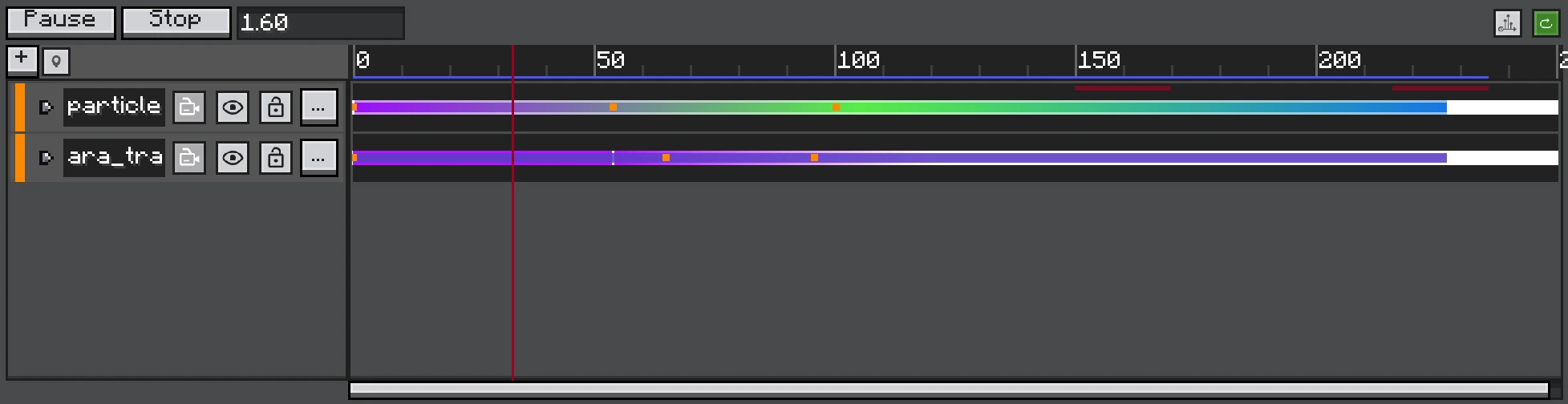
Activator, Control, and Speed tracks share the same clock but resolve object state in a defined order.
These tracks change whether simulation runs, when an object restarts, and how much simulation time it consumes.
Activator Track
An Activator Track targets one FX object. The object is active while any Activator Clip covers the current time. Outside the clips it is inactive and neither ticks nor renders.
Control Track
Control Clips target objects individually. Entering or switching to a Control Clip:
- resets the target object;
- recursively resets its FXObject children;
- applies the clip seed or a fresh executor RNG seed;
- activates/renders it for the clip range.
Control is suitable for sequencing several one-shot emitters on one lane or replaying the same subtree with deliberate seeds.
Activator and Control Together
TimelineState.resolve considers whether each control type exists and whether it is active at the current time. Do not assume one simply overrides the other. Preview the exact combination; removing or muting a controlling track restores objects that are no longer controlled.
Speed Track
Speed Track samples a scalar and writes the target's selfTimeScale. Children inherit the hierarchical time scale.
| Speed | Result |
|---|---|
0 | Freeze simulation while retaining the object. |
0..1 | Slow motion. |
1 | Normal tick rate. |
>1 | Multiple bounded simulation substeps per game tick. |
The runtime limits substeps per tick to keep extreme values from creating unbounded work. Speeds beyond the cap cannot simulate arbitrary time in one tick.
State Restoration
When a Speed Track is removed, muted, or rebound, the previously controlled object's scale returns to 1. Activator/Control state likewise returns to active and visible when the object is no longer controlled.
Parent targeting
Bind Control or Speed to an Empty parent when the whole child effect should restart or change speed together.