
Getting Started
This walkthrough creates a visible particle effect, exports it, and plays it in the world. It uses only built-in Photon resources.
1. Open the Editor
Install compatible Photon and LDLib2 builds, enter a single-player world in Creative mode, and run:
/photon_editorThe editor is intentionally single-player only. It needs access to local project and resource files.
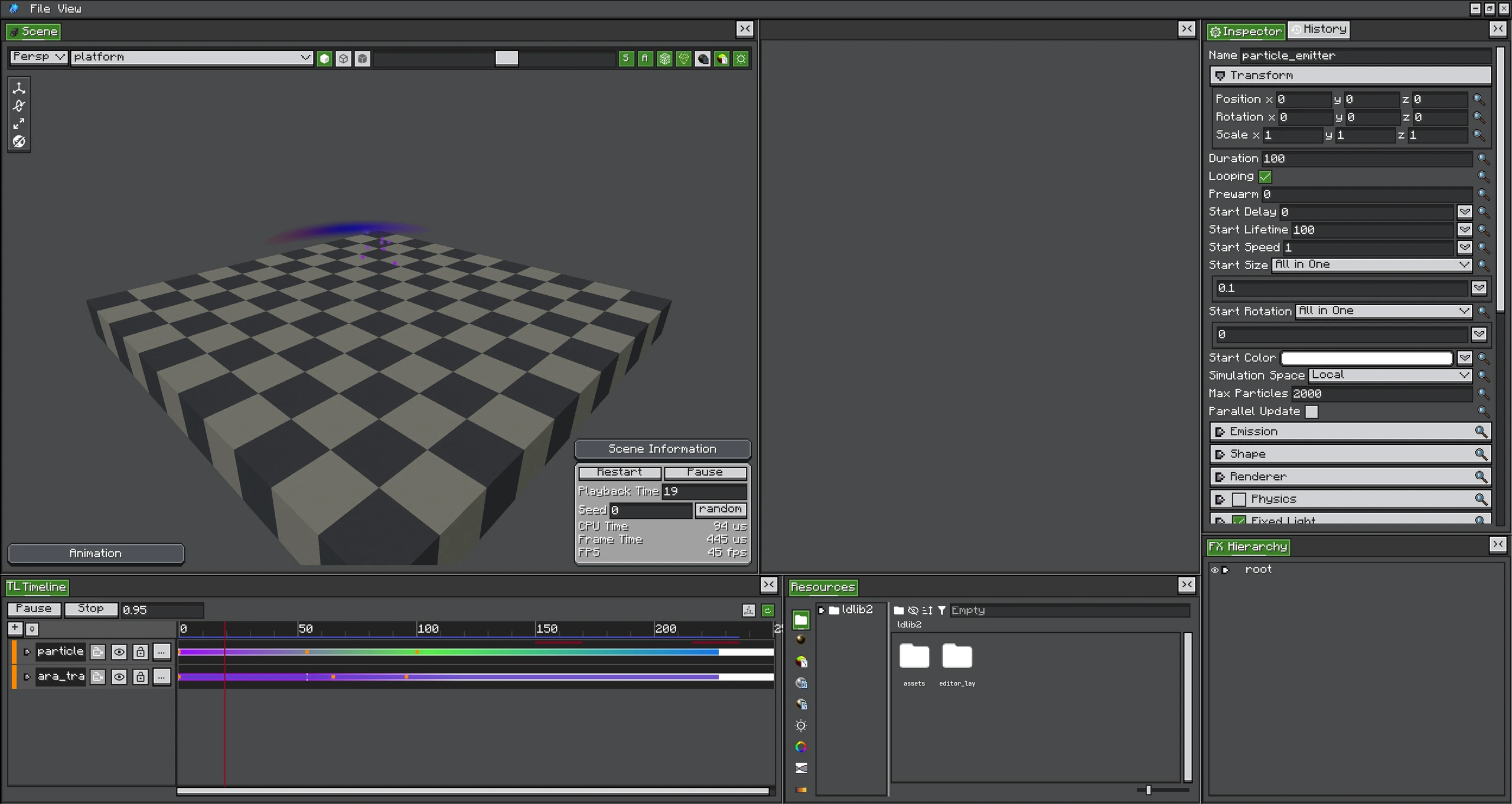
2. Create an FX Project
Choose File → New → FX Project. Save the project as first-effect.fxproj. A project stores the editable object tree, Timeline, and references to reusable resources. It is not the file loaded by the game at runtime.
3. Add a Particle Emitter
Create a Particle Emitter under root, then select it in the FX Hierarchy. For a small first result, use:
| Setting | Value |
|---|---|
| Duration | 40 ticks |
| Looping | enabled |
| Start Lifetime | 20 |
| Start Speed | 0.05 |
| Start Size | 0.2 |
| Emission Rate | 2 |
| Shape | Sphere |
The Scene view restarts the preview after structural edits. Use its restart and pause controls when comparing settings.
4. Assign a Material
Open Resources → Material, choose a built-in particle texture such as circle, and drag it into the emitter's Renderer material list. Material settings control texture/shader, while Renderer settings control layer, sorting, culling, masks, model mode, and instancing.
5. Add Motion and Color
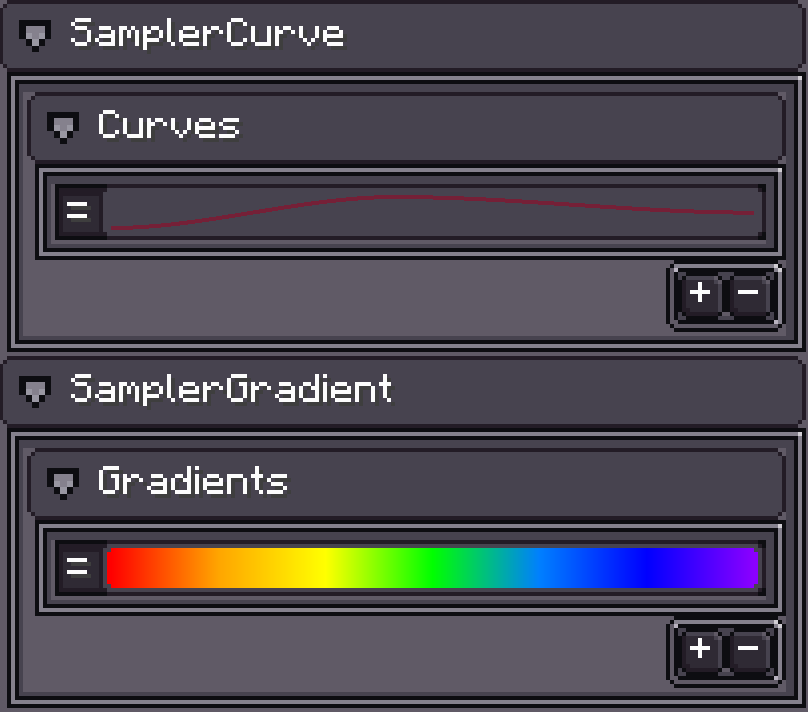
Enable Color over Lifetime and choose a gradient whose alpha fades to zero. Enable Velocity over Lifetime or Force over Lifetime for motion that changes after spawn.
6. Save and Export
Saving writes the editable .fxproj. To create a runtime effect, choose File → Export → FX and export as:
<gameDir>/ldlib2/assets/photon/fx/first_effect.fxThe runtime id is photon:first_effect. Exporting as an FX Pack is better when the effect must carry custom materials, graphs, meshes, and textures to another installation.
7. Play the Export
Close the editor and bind the effect to the block under your feet:
/photon fx photon:first_effect block ~ ~-1 ~ 0 0 0 1 1 1 0 false trueIf an exported file was replaced but an old definition remains cached, run:
/photon_client clear_client_fx_cacheNext Steps
- Learn every emitter setting in Particle System.
- Animate the effect in Timeline.
- Replace the built-in texture with Shader Graph.
- Package dependencies with Distribution and FX Packs.