
Material System
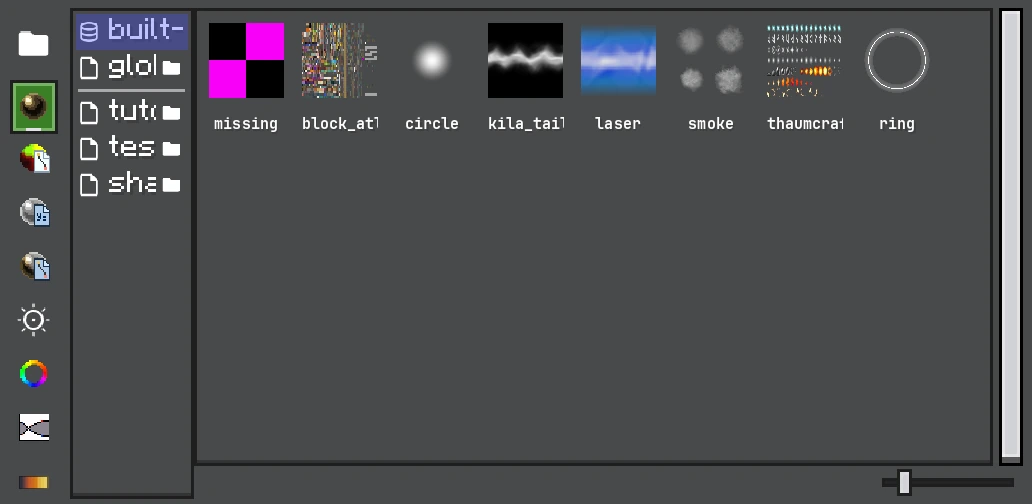
The browser mixes built-in and project providers; selecting a material exposes its shader, textures, and render state in the Inspector.
Materials contain render state and shader inputs. Assign one under an emitter's Renderer > Material; the emitter geometry and material must be compatible.
Material Types
| Material | Best for | Main inputs |
|---|---|---|
| Texture | A full texture or arbitrary resource | texture, color, blend/depth/cull |
| Sprite | A Minecraft sprite/atlas region | sprite id, interpolation and pixel-art filtering |
| Shader Graph | New custom particle shading | graph resource and exposed parameters |
| Custom Shader | Existing Core Shader files | shader id, uniforms, texture/curve/gradient samplers |
| UI Resource | Reusing an LDLib UI texture resource | UI resource path and color |
| Block Atlas | Minecraft block/item atlas rendering | atlas sprite and Block Atlas UV rules |
Render State
- Blend controls how source color/alpha combines with the framebuffer. Additive works well for fire and energy; alpha blend works for smoke and decals.
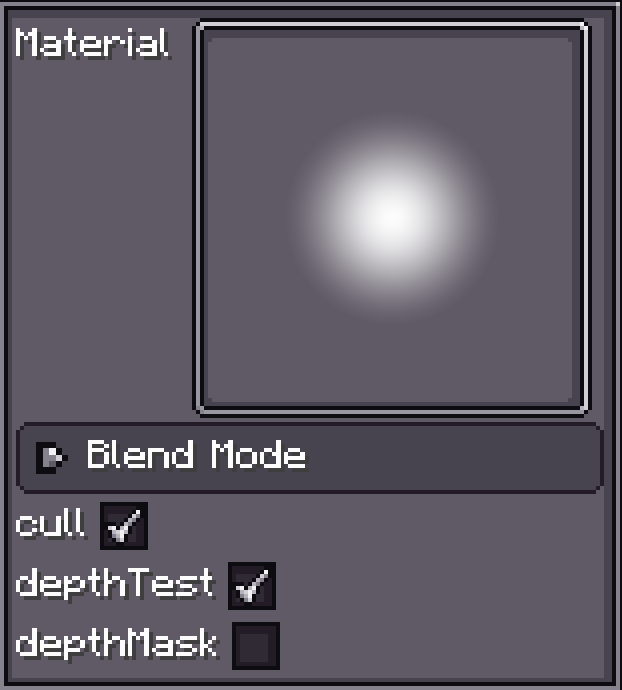
- Depth test hides fragments behind world geometry. Depth write decides whether the effect hides later geometry. Transparent effects normally test depth but do not write it.
- Cull removes back or front faces. Disable it for two-sided sheets; keep it for closed meshes.
- Color/HDR multiplier tints the shader result. HDR color can exceed 1 and therefore feed bloom when HDR is enabled.
- Pixel art uses sampling appropriate for sharp texels. Do not enable it for smooth noise or gradients.
Geometry Compatibility
Texture, Sprite, Shader Graph, and Custom Shader materials work on ordinary tile particles. Model rendering also requires a model-compatible vertex path. Trail, Beam, and AraTrail provide length/point UV and normals instead of billboard UV semantics. A graph that uses only Particle Data is portable; one that reads a kind-specific Additional Data channel must be checked against the channel matrix.
WARNING
A material can compile while a selected data channel is unsupported by its emitter. Unsupported Additional Data deliberately reads zero, so the symptom is usually a static or invisible effect—not a shader compile error.
Project and Global Resources
Project materials travel with the .fxproj and are collected when exporting an FX Pack. Global resources are reusable while authoring but must be present under the exported namespace at runtime. Prefer project resources for effects intended for distribution, and use stable lower-case resource paths.