
Signals, Audio, Groups, and Post Process
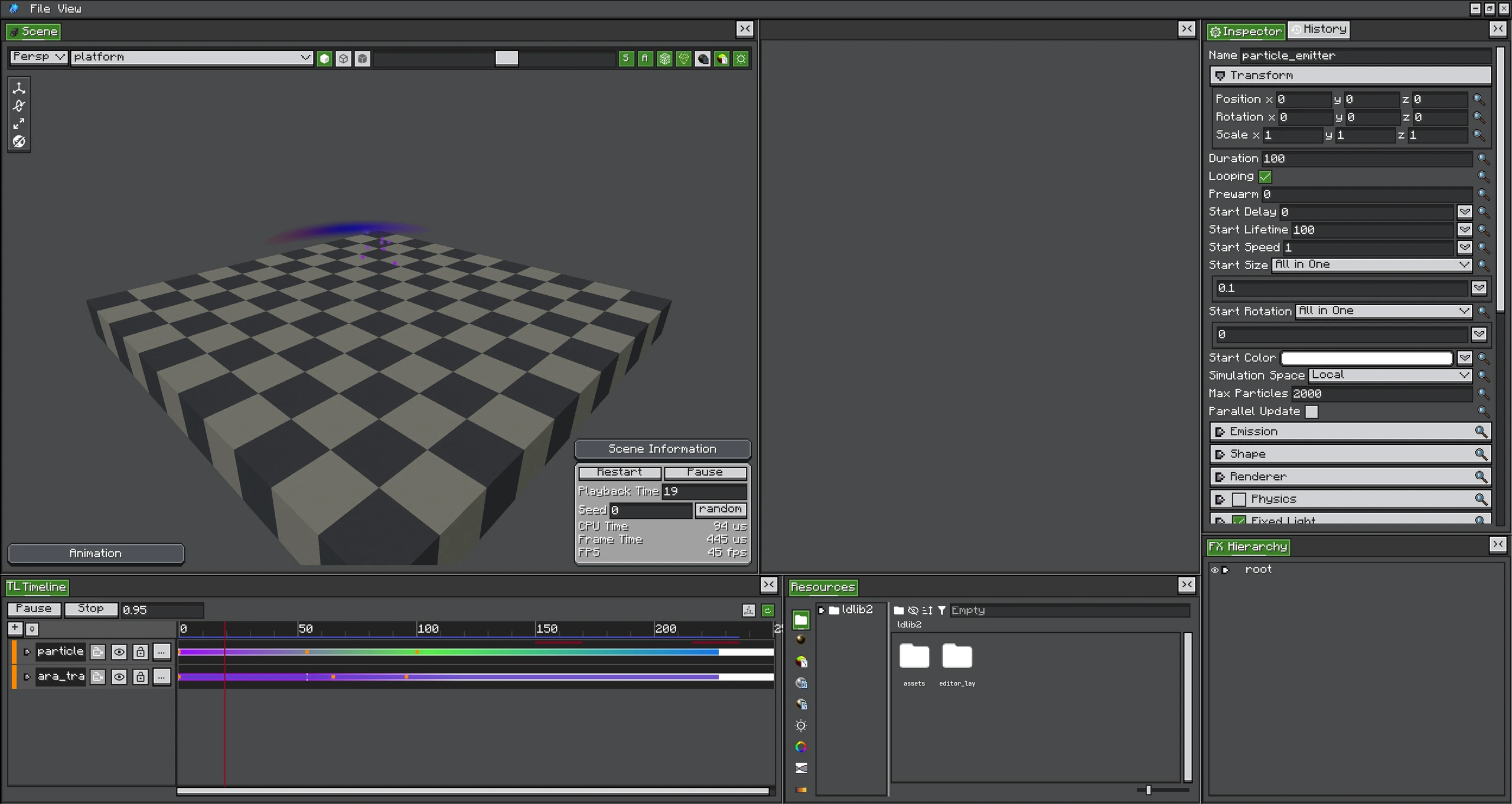
Signal, Audio, Group, and Post Process tracks sit beside particle control tracks and follow the same playback cursor.
These tracks coordinate an FX with systems outside particle simulation.
Signal Track
A Signal contains time, name, and custom CompoundTag data. The Track display name is its channel. During forward playback, the player dispatches signals in the monotonic window (lastSignalTick, currentTime], preventing duplicate firing at tick zero or after ordinary evaluation repeats.
Signals reach:
IEffectExecutor#onTimelineSignalfor the current playback;- listeners registered through global
PhotonSignals.
The editor disables dispatch during scrub/replay previews.
Audio Track
An Audio Clip selects a Sound Event, category, attenuation, duration, and volume/pitch functions.
Curveable volume and pitch since 2.2.1- Entering a clip starts a sound instance.
- Leaving/switching clips requests the previous instance to stop.
- A clip longer than the sound loops it; a shorter clip cuts it at the clip end.
- With attenuation and a bound target, position follows the FX object.
- Editor preview may force non-positional sound so it remains audible.
Track Groups
Groups organize child tracks and support nested presentation/mute structure. They do not create an FX object or transform; use an Empty object when simulation hierarchy is required.
Post Process Track
A Post Process Clip references a Render Graph or Fullscreen Graph resource path, a weight envelope, and parameter overrides. Every render frame in its range:
- sample local clip time;
- calculate fade/weight;
- sample parameter overrides;
- submit a request to
IEffectExecutor#postEffectSink().
Stopping submission removes the effect on the next stack consumption. Overlapping requests for the same effect are blended by the PostEffectStack rules.
See Post Processing for authoring graphs and Post Processing Java API for manual requests.