
Curves, Gradients, and Value Functions
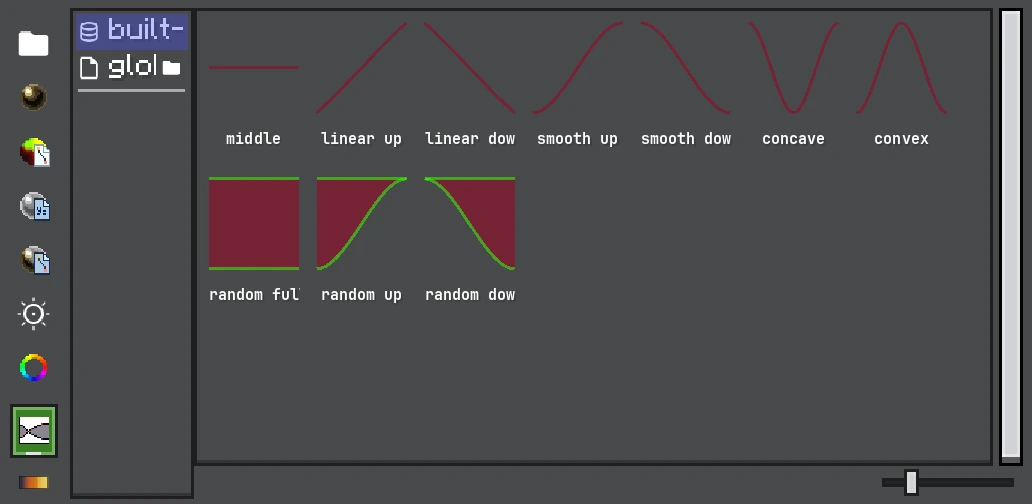
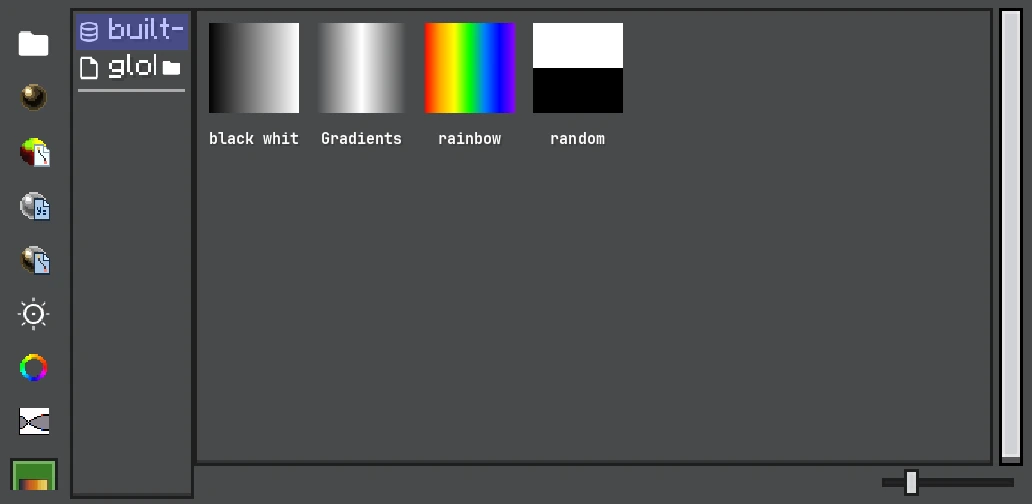
Curves and gradients can be authored once as project resources, then reused by emitters, Timeline clips, and shaders.
Many Photon settings use NumberFunction instead of a fixed number. The function is sampled with a time value supplied by its consumer: normalized particle lifetime, emitter time, speed, trail position, or another documented source.
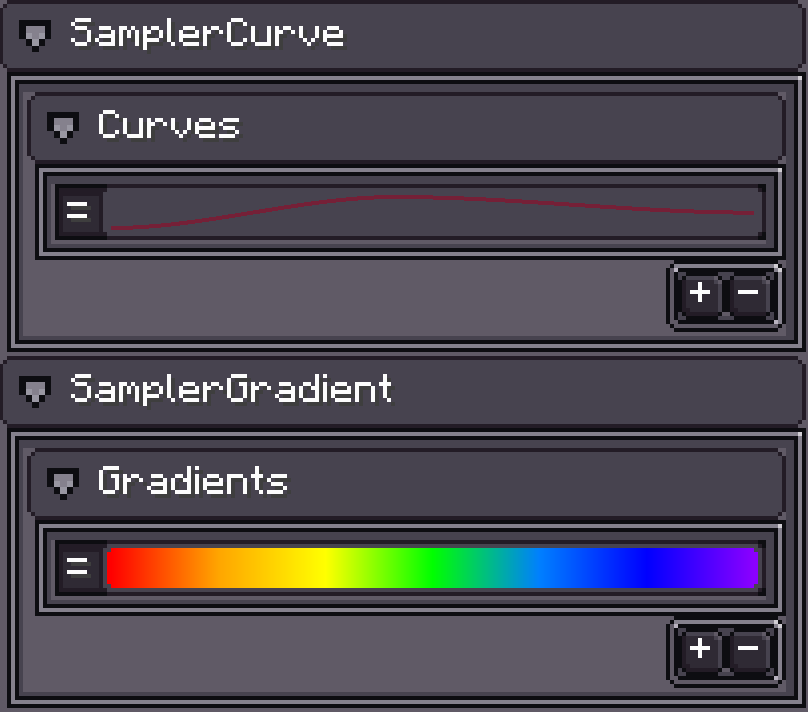
Scalar Functions
| Type | Result |
|---|---|
| Constant | Always return one value. |
| Random Constant | Pick within a range using the particle/emitter RNG. |
| Curve | Evaluate an editable curve at the input time. |
| Random Curve | Evaluate between two curves using a stable random factor. |
NumberFunction3 groups three functions for X/Y/Z values such as size, rotation, force, and velocity. Components can be edited independently.
Color Functions
| Type | Result |
|---|---|
| Color | One RGBA color. |
| Random Color | Random value between configured colors. |
| Gradient | Interpolate color and alpha stops over time. |
| Random Gradient | Blend between two gradients with stable randomness. |
| HDR variants | Preserve values above the normal 0..1 display range for bloom/emission. |
HDR functions are accepted only by consumers that support HDR color data. The configurator rejects incompatible drops instead of silently truncating them.
Time Inputs
The same curve can mean different things depending on the field:
- Over Lifetime modules use normalized particle age.
- By Speed modules remap current speed through their configured range.
- Emission and start values use emitter/particle creation time as defined by the setting.
- Trail fields may use normalized length, total trail time, or segment time.
- Additional GPU Data exposes selectable time sources.
Check the field description before copying a curve between modules.
Resources and Inline Values
Curves, gradients, and colors can live inline in a config or as Resources. Use a Resource when several emitters/materials must share one authored value. Dragging a resource keeps a reference where the field supports resource-backed values; copying an inline value creates independent data.
Timeline Values
Animation properties can store keyframes, Curve Clips, Gradient Clips, or Expression Clips. Timeline sampling writes a concrete value into the target RuntimeValue each update; it does not alter the authored curve resource.