
Photon Shader Node Reference
Node descriptions 2.2.2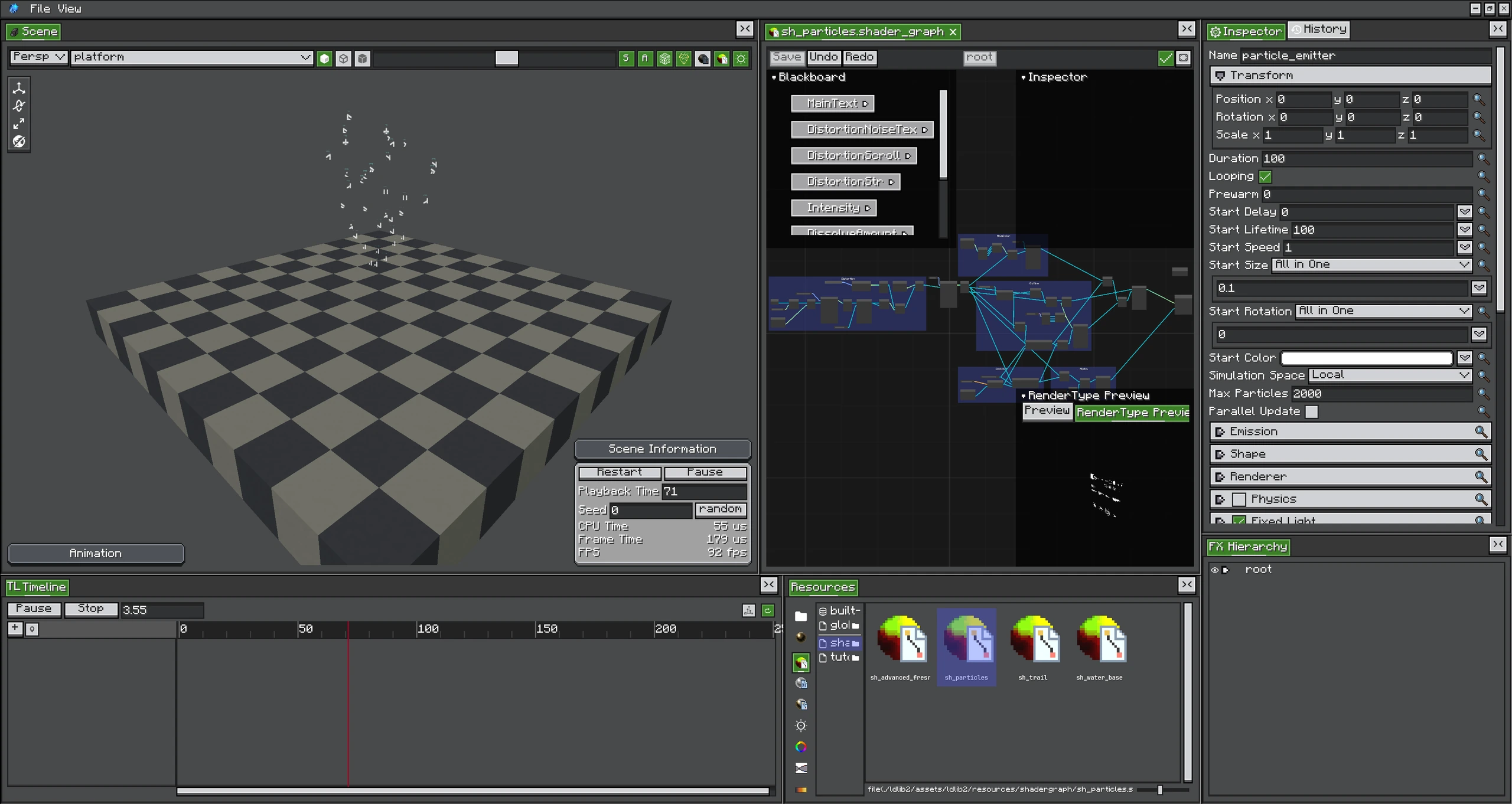
Photon nodes bring runtime particle streams, camera data, scene textures, and coordinate conversions into the graph.
Photon nodes bridge the generic graph compiler to particle instances, scene buffers, and full-screen passes.
Particle Graph Inputs
| Node | Outputs | Graph/stage behavior |
|---|---|---|
| Particle Data | position, color, litColor, uv, normal | Particle and function graphs; usable in both stages |
| Additional Data | selected scalar or vec3 channel | Read in vertex, auto-varying to fragment; unsupported = zero |
| Custom Data | selected vec4 stream | Read in vertex, auto-varying; preview/CPU path = zero |
| Viewport | viewport size and screen information | Screen-dependent calculations |
| Depth Fade | intersection fade | Fragment; needs scene depth |
| World to Screen UV | screen UV from world position | Coordinate conversion |
| Screen to World | reconstructed world position | Fragment; needs depth/camera matrices |
Particle Data.position is camera-relative world position after interpolation. color is the authored/runtime particle color; litColor includes baked light-map multiplication. Trail UV normally uses the length axis instead of sprite-frame semantics.
Additional Data Channels
The node dropdown is generated from PhotonGpuChannels, so it stays aligned with the runtime registry. Selecting a channel also marks that stream as required; Shader Graph instancing uploads it without requiring the inspector toggle. See Additional GPU Data for meanings and emitter support.
Fullscreen Graph Nodes
| Node | Purpose |
|---|---|
| Fullscreen Position | Fullscreen vertex position and UV basis |
| Fullscreen Output | Final processed color/alpha |
| Texel Size | 1 / renderTargetSize for neighbor samples |
| Scene Color/Texture input | Current graph input or named Render Graph texture |
| Scene Depth | Depth-based blur, outline, and reconstruction |
Fullscreen-only nodes cannot be placed in a particle Shader Graph. Likewise, Particle Data has no meaning in a Fullscreen Graph.
Screen-Space Accuracy
- UV origin and depth conventions are handled by Photon nodes; avoid hard-coded flips.
- Sample neighboring pixels with
Texel Size, not a fixed1/1920value. - Depth is nonlinear unless a node explicitly exposes linearized depth.
- Under Iris, scene/depth availability depends on the active pipeline. Test graceful output when a buffer is absent.
TIP
Select a node and open its description panel before wiring it. Since 2.2.2, Photon nodes describe ports, stage constraints, channel types, and GLSL equivalents inside the editor.