
Physics, Noise, Lighting, and UV
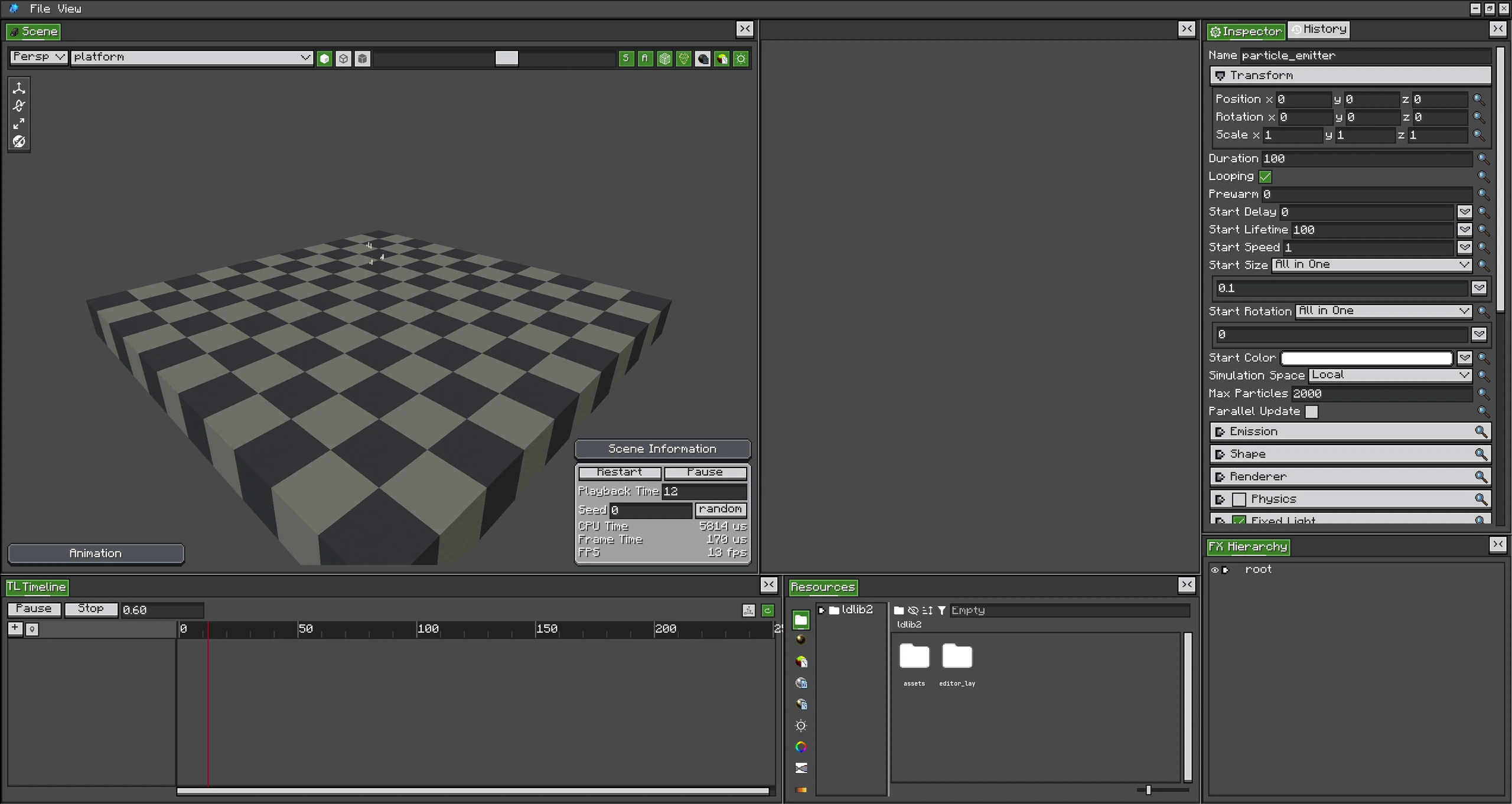
The UV animation fixture previews tiled frames while its particle and renderer settings remain visible in the editor.
These modules affect different stages of a particle: Physics resolves world interaction, Noise perturbs simulated state, Lighting changes packed light, and UV Animation selects texture frames.
Physics and Collision
Enable Physics when particles should collide with Minecraft collision shapes. Core controls include gravity, collision response, bounce, and friction. Collision is CPU work and requires world access; use it only where contact is visible.
- Bounce keeps velocity along the collision normal.
- Friction reduces tangential motion after contact.
- A very large velocity can cross thin geometry between ticks; reduce speed or use a more stable effect design.
- Avoid invalid curves that can produce NaN position or velocity.
Noise
Noise can perturb position, rotation, and size. frequency controls how quickly the field changes; quality trades work for smoother variation. Remap converts raw noise into a useful output range.
Use low-frequency noise for smoke drift and high-frequency noise for sparks or electrical jitter. Applying strong noise to both position and velocity-like modules can make motion difficult to predict.
Lighting
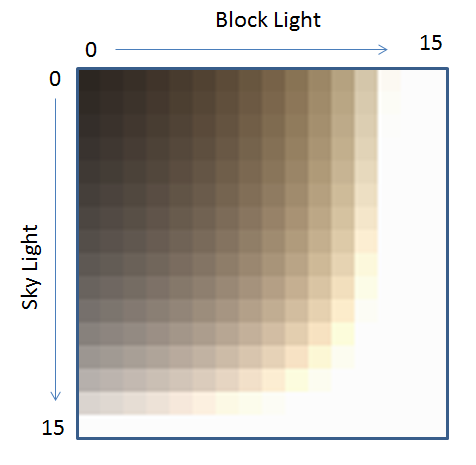
The Light over Lifetime module supplies sky and block light functions. With it disabled, particles use the world's packed light where supported. Fixed bright values are useful for magical or emissive-looking effects, while actual HDR emission belongs in the material/shader.
UV Animation
UV Animation divides a texture into tiles and chooses a frame over time.
| Setting | Meaning |
|---|---|
| tiles | Columns and rows in the sheet. |
| animation | Whole sheet or configured animation mode. |
| frameOverTime | Function that selects progress through frames. |
| startFrame | Per-particle starting frame offset. |
| cycle | Number of sheet traversals over the sampling interval. |
Use nearest/pixel-art material settings for hard-edged sprite sheets. Incorrect tile counts sample neighbouring sprites or empty texture space.
Performance Checklist
- Collision and high-quality noise are per-particle CPU costs.
- Lighting may query loaded world positions; keep large systems within reasonable bounds.
- UV animation is cheap, but oversized transparent textures still cost fill rate.
- Test with the real maximum particle count, not only the editor's first seconds.