
Providers and Paths
IResourceProvider<T> is a source of resources. It can add, remove, rename, edit, copy, list, and reload resources.
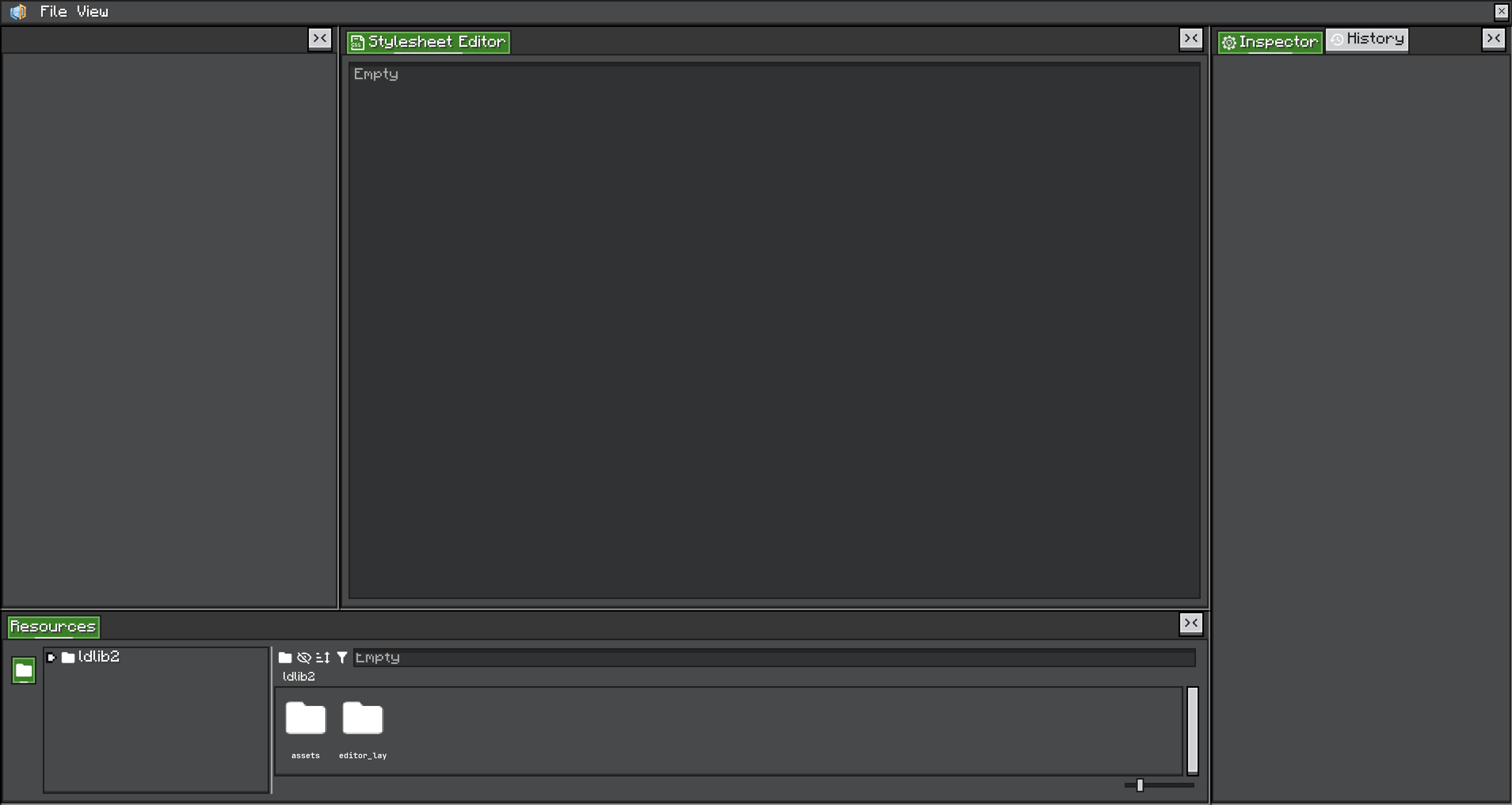
Important provider hooks:
createSubPath(name): create a path inside the provider.getResource(path): read a resource.addResource(path, value): add or replace a resource.removeResource(path): remove a resource.checkAndUpdateResourceProvider(): reload external changes.createProviderToggle(): create the provider selector UI.onMenu(menu): append provider-specific context menu entries.
Resource Paths
IResourcePath stores the provider type and path. The current string format is:
type(path)Examples:
built-in(built-in:missing)
file(./ldlib2/assets/ldlib2/resources/global/example.ui.nbt)
pack(ldlib2:resources/global/example.ui.nbt)
Built-in Provider
BuiltinResourceProvider stores resources registered by code. It is read-only from the UI: no add, edit, rename, remove, or copy.
Use it for default assets and examples.
File Provider
FileResourceProvider stores resources as NBT files in a folder. It supports custom providers, file change checks, add, remove, rename, copy, and open-folder UI.
Use it when users should create or edit assets on disk.
Users can add custom file providers from the resource panel when the provider type supports custom instances.
Pack Loading
PackFileResourceProvider loads file paths that can be represented as client resource locations. This is how resources can be read from packs with paths such as:
pack(ldlib2:resources/global/example.ui.nbt)Custom Provider Type
Most editors only need built-in and file providers. Create a custom ResourceProviderType when your resources come from a database, generated registry, remote source, or another mod-specific asset system.
A provider type creates full paths and custom providers:
public class ShopRegistryProviderType extends ResourceProviderType {
    @Override
    public String getTypeName() {
        return "shop_registry";
    }

    @Override
    public IGuiTexture getIcon() {
        return Icons.RESOURCE;
    }

    @Override
    public IResourcePath createFullPath(String path) {
        return new ShopRegistryPath(path);
    }

    @Override
    public boolean supportCustom() {
        return true;
    }

    @Override
    public <T> ResourceProvider<T> fromNbt(ResourceInstance<T> resourceInstance, CompoundTag tag) {
        return ShopRegistryProvider.fromNbt(resourceInstance, tag);
    }

    @Override
    public <T> void onCreateCustom(ResourceContainer<T> container) {
        // Open a dialog, then add a custom provider.
        container.resourceInstance.addCustomProvider(new ShopRegistryProvider<>(container.resourceInstance));
    }
}
Register the provider type in the LDLib2 resource provider type registry used by your environment.
Your provider should implement IResourceProvider<T> or extend ResourceProvider<T>. Override permission methods such as canEdit, canRemove, canRename, and supportAdd to match the source.
Use checkAndUpdateResourceProvider() when the source can change outside the editor.
File path migration
Changed 2.2.33FilePath now stores its identity relative to the game directory, for example ./ldlib2/assets/ldlib2/resources/global/example.ui.nbt. New saved resource references should use this portable form instead of an absolute machine path.
Legacy absolute paths remain readable. LDLib2 normalizes paths under the game directory, and also recognizes the ldlib2/assets/ portion of legacy references created on another machine. A direct file path can now resolve even when no file provider is registered.