
ModularUIWindow
Since 2.2.34ModularUIWindow hosts a ModularUI in a second operating-system window. The UI still uses the ordinary LDLib2 rendering and input path, but can be moved to another monitor.
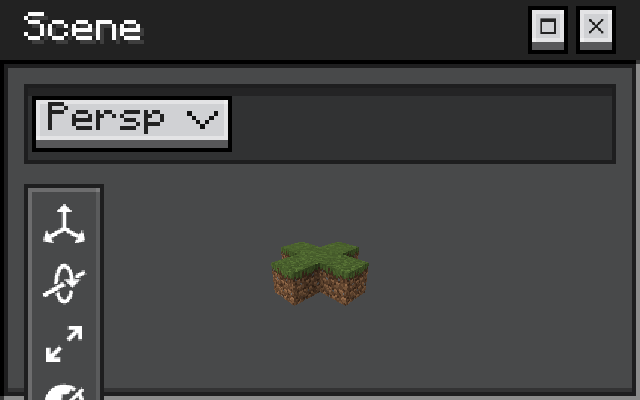
java
var window = new ModularUIWindow(new ModularUI(UI.of(root)), "My Tool");
window.setDragArea(titleBar);              // optional
window.setStyleSource(parentModularUI);    // optional: follow its theme
if (!window.open(Integer.MIN_VALUE, Integer.MIN_VALUE, 640, 400, false)) {
    // Open the same UI in the Minecraft window instead.
}| API | Description |
|---|---|
open(x, y, width, height, decorated) | Creates and shows the native window. Use Integer.MIN_VALUE for platform placement. |
close() / isOpen() | Closes or checks the hosted window. |
setDragArea(UIElement) | Makes an element act as the title bar drag region. |
setStyleSource(ModularUI) | Mirrors runtime stylesheets from an originating UI. |
setResizable(boolean) | Enables edge resizing. |
setOnCloseRequested(Runnable) | Handles the user close request. |
Client-only and optional
This API is client-only. open(...) returns false if a second window cannot be created; callers must provide an in-game fallback. Keep decorated as false unless platform-managed move/resize behavior is explicitly required.