
VirtualScrollerView
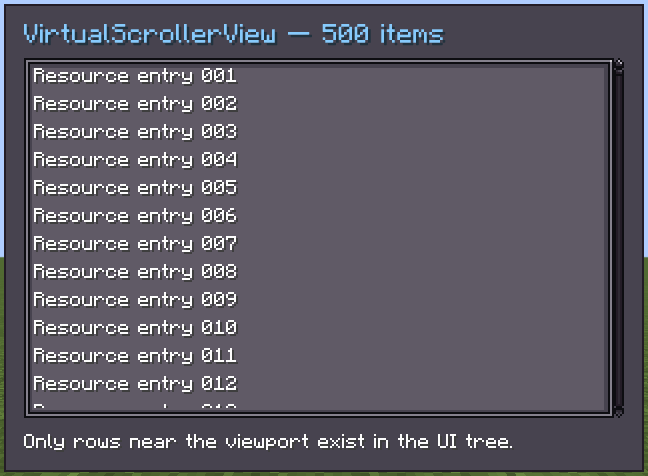
Since 2.2.18VirtualScrollerView<T> is a scrollable list that mounts only rows near the viewport. Use it for long lists where a normal ScrollerView would create too many UI elements.
java
var list = new VirtualScrollerView<String>()
        .setItems(entries)
        .setItemUIProvider(text -> new Label().setText(text));
list.virtualScrollerViewStyle(style -> style
        .estimatedItemHeight(18)
        .overscanPixels(36));
Data and rows
| API | Description |
|---|---|
setItems(List<T>) | Replaces the source list and remounts visible rows. |
setItemUIProvider(UIElementProvider<T>) | Creates the UI for each visible item. |
setBeforeMountItems(Runnable) | Runs before rows are rebuilt; use it to reset transient row state. |
refreshVisibleItems() | Rebuilds rows after external item data changes. |
scrollToTop() | Moves to the beginning of the list. |
Rows are recreated while scrolling. Keep persistent selection, edits and other state in the item model, not in a mounted row instance.
Height modes
| Property | Description |
|---|---|
virtual-item-height-mode | FIXED uses the estimate for every row; VARIABLE measures mounted rows. |
virtual-estimated-item-height | Initial row height in pixels. Set it close to the real height. |
virtual-overscan-pixels | Extra rows rendered above and below the viewport. |
TIP
Use a normal ScrollerView for short or static content. Virtualization is useful when list size, not visual complexity, is the performance problem.